




Creative tools

Tools for advertising creative production: templates, brand assets, format variants and collaboration.

Explore the directory

All categories20 →
10 results
Editorial top 3

Our order reflects the workflows described below and public product information. It is an editorial judgment, not a performance benchmark.

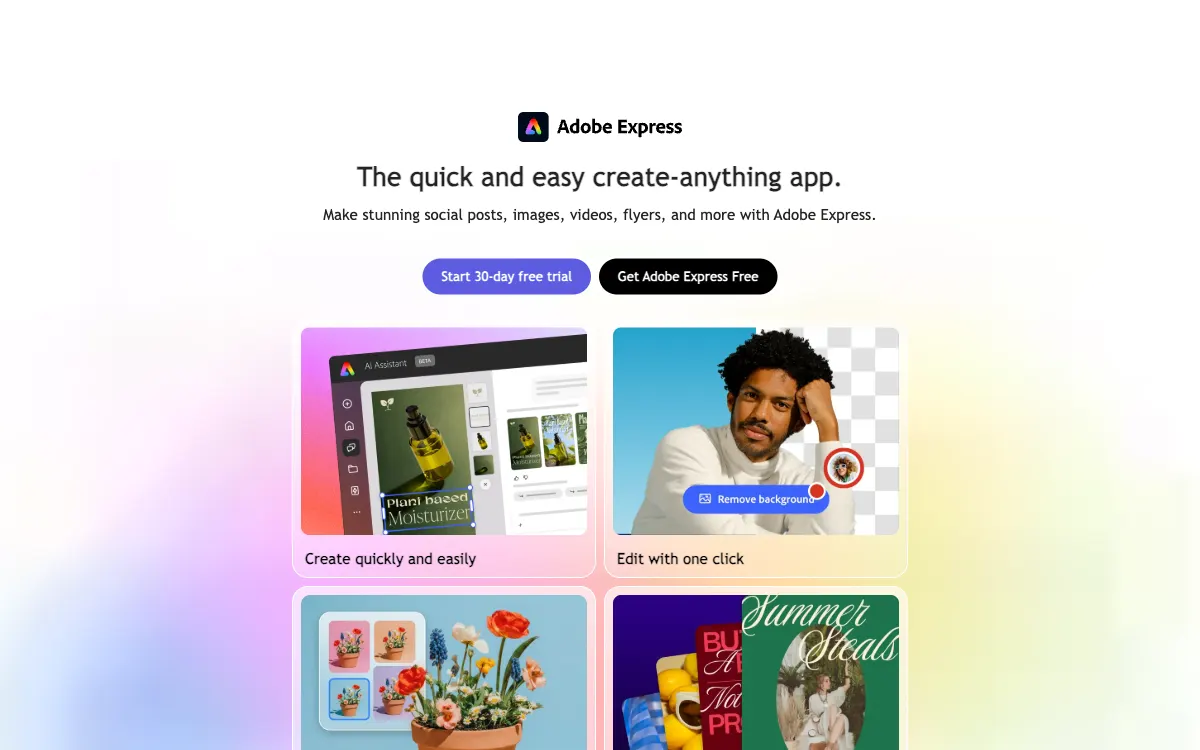
Adobe Express — Official website#2Editorial pick

Adobe Express shortens the path from an idea to a graphic or short video, fitting quick marketing tasks that do not need a full professional editor.

A good fit for teams close to the Adobe ecosystem needing quick graphic and video assets.

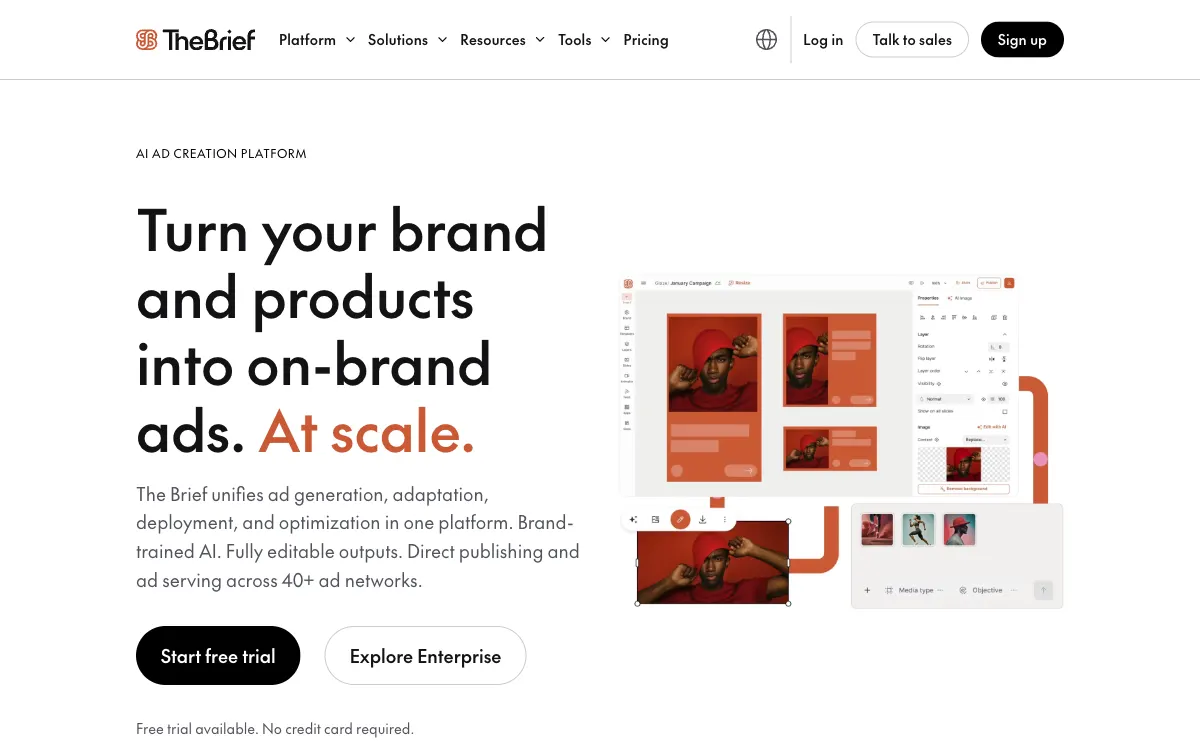
The Brief — Official website#3Editorial pick

The Brief organizes ad-creative production and variations. Evaluate it around repeatable formats, branded templates and the team's process for preparing campaign assets.

A specialized choice for scaling ad variations and branded templates.

More products to explore

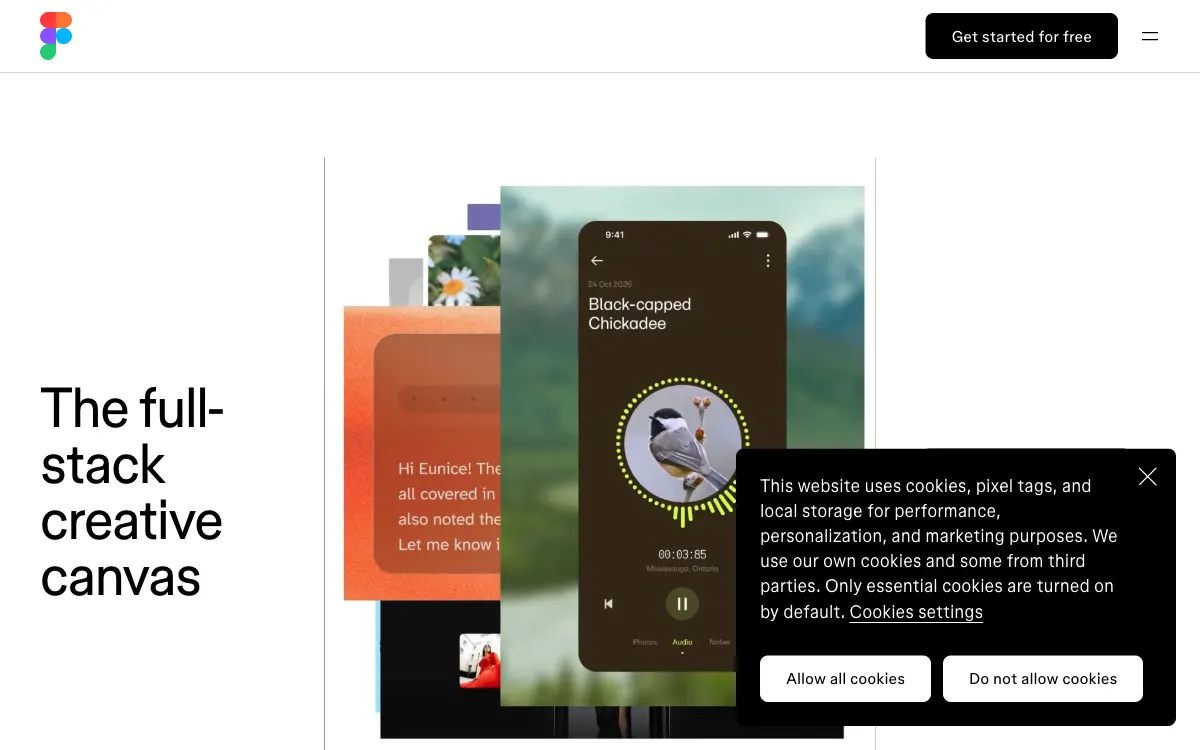
Figma — Official website

Figma provides a shared canvas for interfaces, prototypes and design discussions. It is useful when marketing creative needs coordination with product and engineering teams.

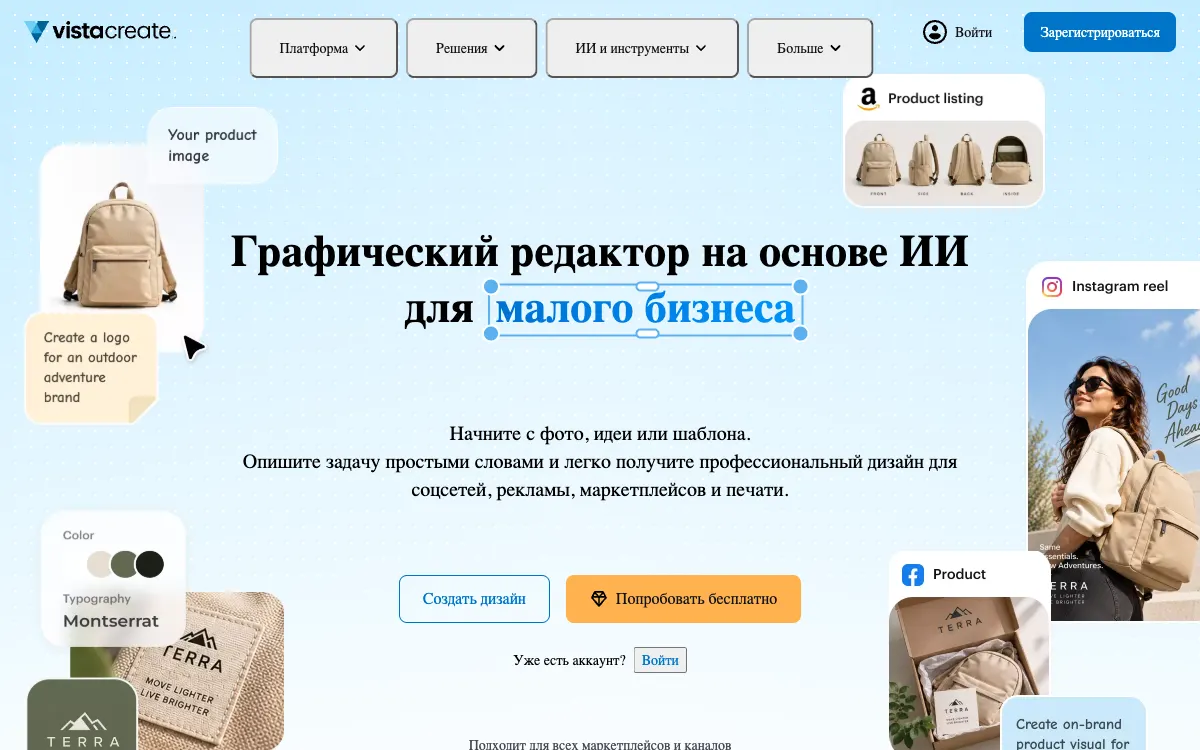
VistaCreate — Official website

VistaCreate helps small businesses produce ads and posts without a separate design workflow. Templates connect everyday content with a recognizable visual style.

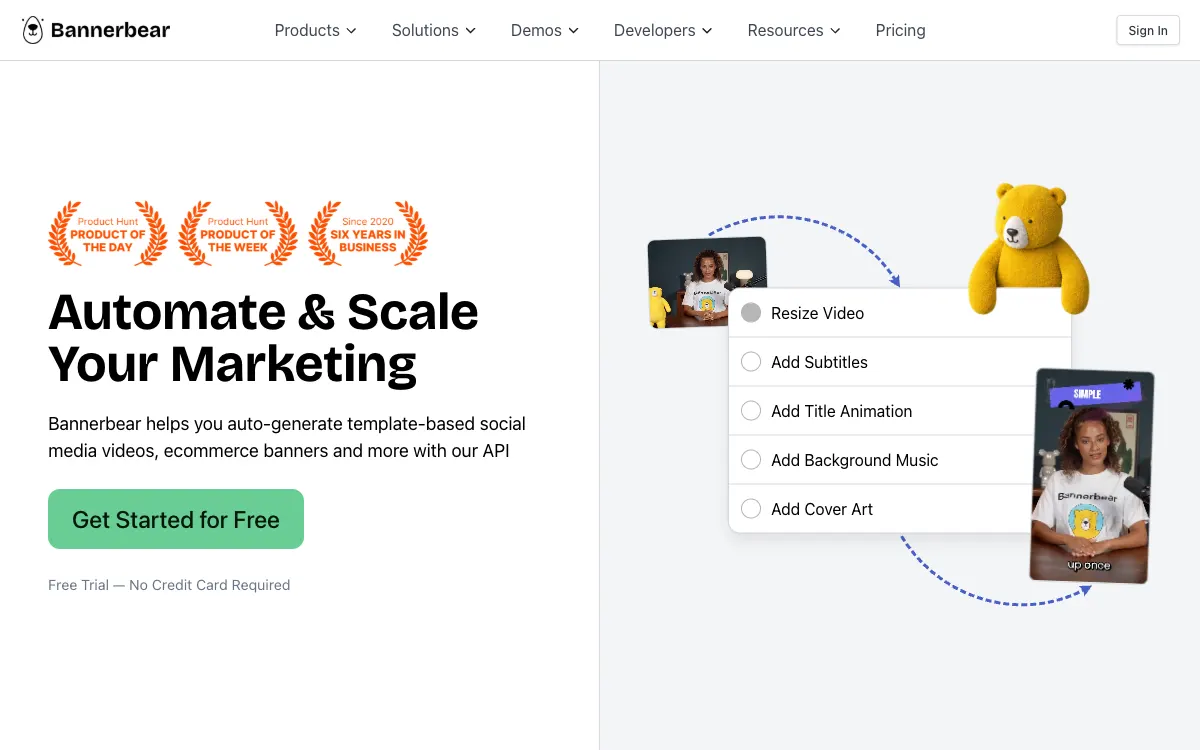
Bannerbear — Official website

Bannerbear turns an image template into an automated production workflow, fitting jobs where text, photos and other data change regularly through an API or integration.

Creatomate — Official website

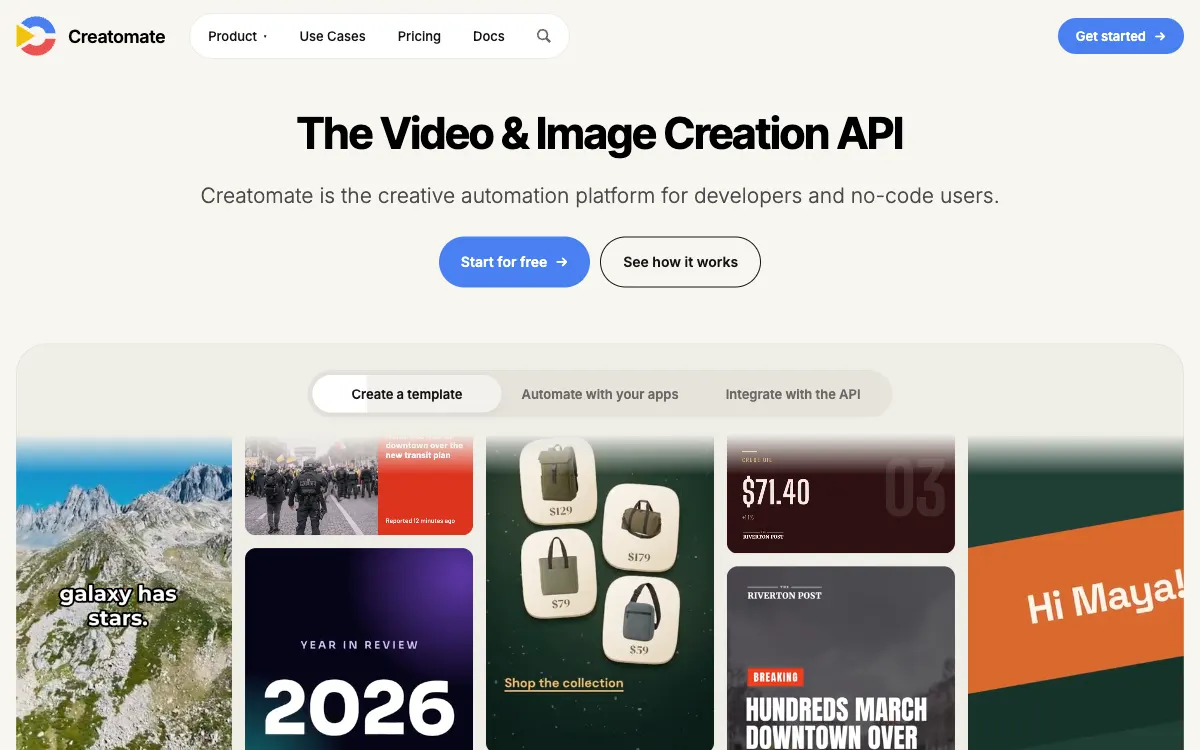
Creatomate connects video and image templates with data. It fits repeatable production where a series of assets shares a structure but changes its content.

Placid — Official website

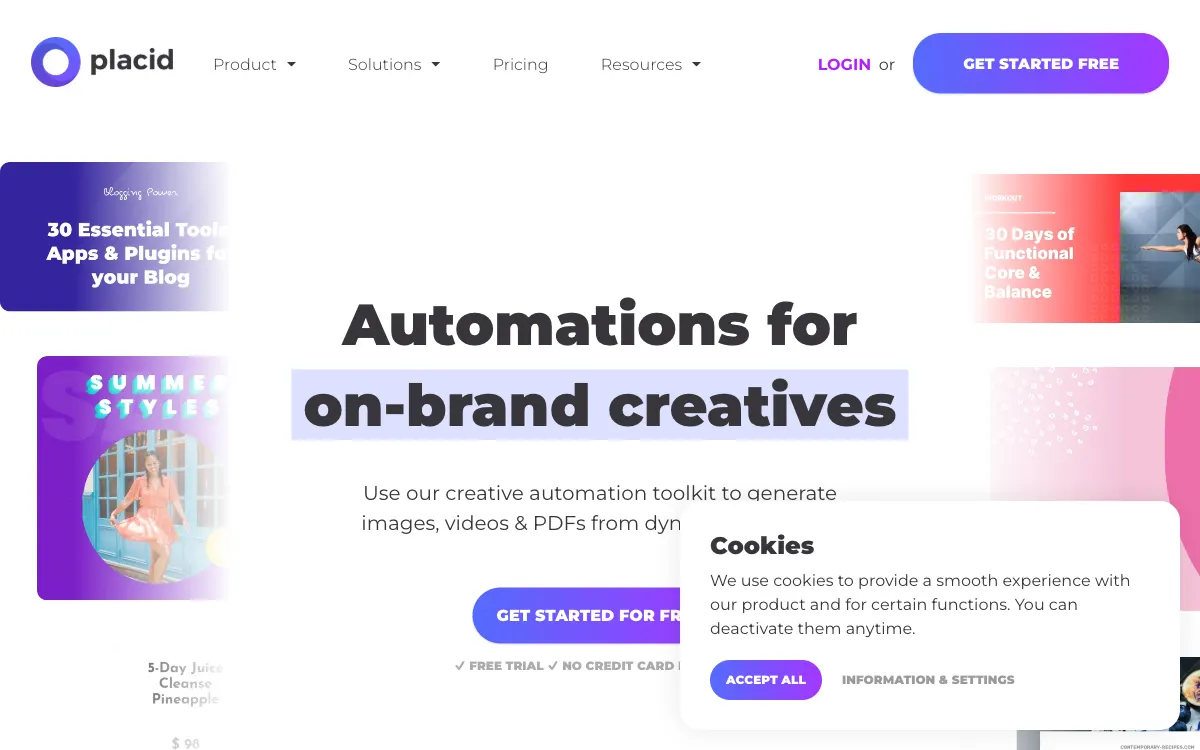
Placid automates branded images, PDFs and video from dynamic templates, helping when the design is settled and manual data replacement slows production.

RelayThat — Official website

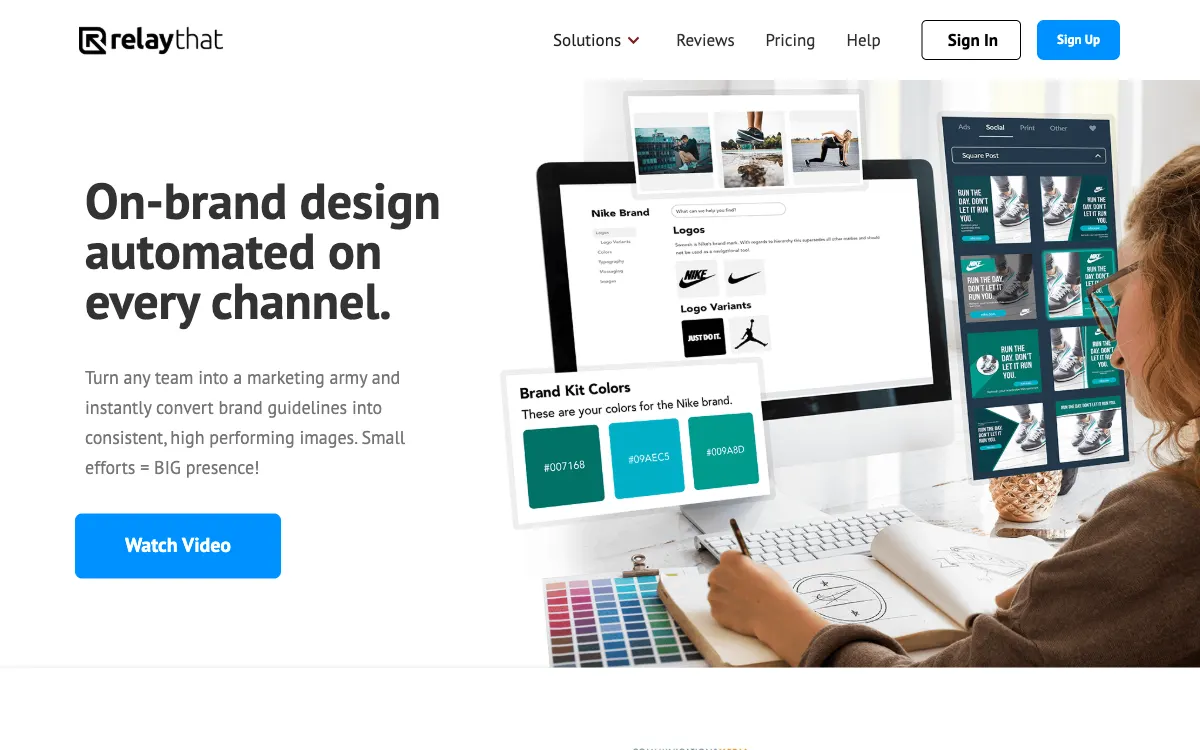
RelayThat carries a brand's visual style across advertising formats, making it relevant for sets of banners and social images that need to remain consistent.

Marq — Official website

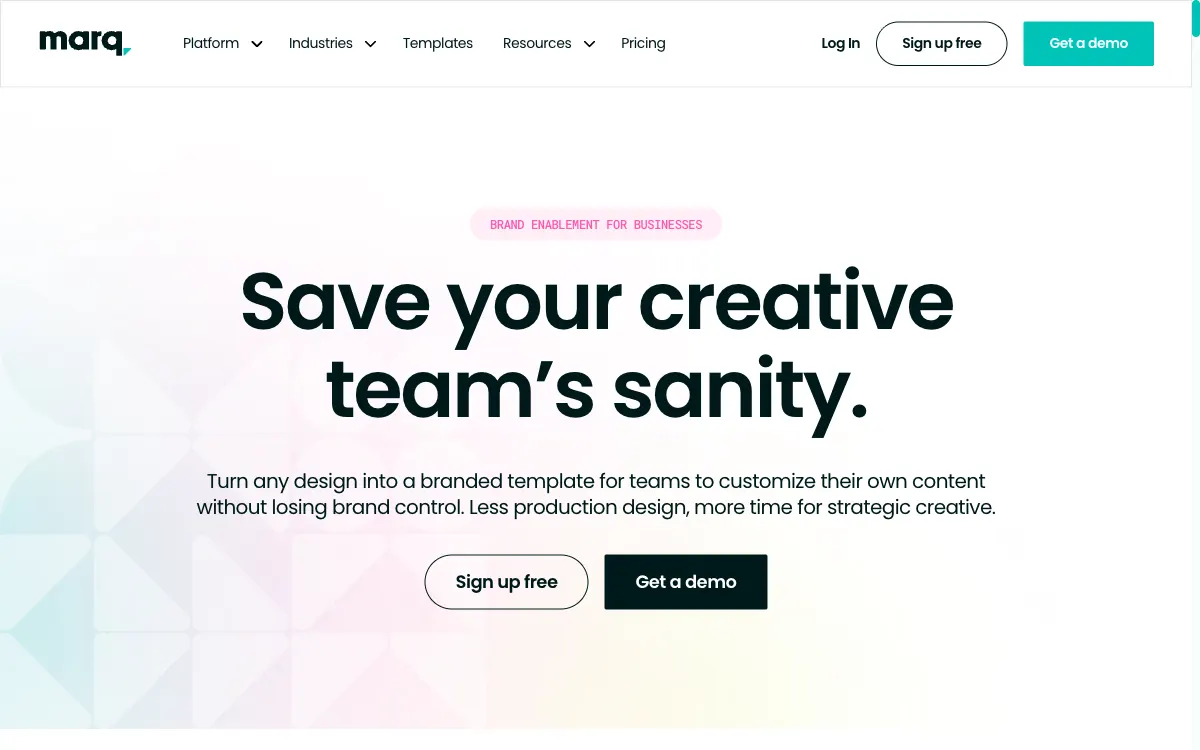
Marq gives teams editable branded templates with design controls, fitting distributed content production where designers should not have to review every routine variation manually.

Common ownership disclosed. Featured placement is commercial, not an independent score. Methodology

What to check before you start

Creative-production tools help a team prepare consistent campaign materials across formats. Choose around the output you actually need: static graphics, video, resized variants or a repeatable brand workflow. The tools below serve different production styles; generated or template-based output still needs editorial review.

01

Required output

Test a complete asset in the dimensions, file type and size limits of your advertising placement. Check text readability after the real export rather than relying on the editor preview.

02

Brand consistency

Prepare the same brief in each candidate tool. Compare reusable styles, handoff between team members and the effort required to produce controlled creative variants.

03

Review and permissions

Check copy, product claims and stock-media permissions before publication. Maintain an identifiable version history so a result can be linked to the asset that was actually shown.

↗

Compare with context

Start with official sources, confirm the terms and run your own bounded test.

Methodology→