









#1 · Editorial pick
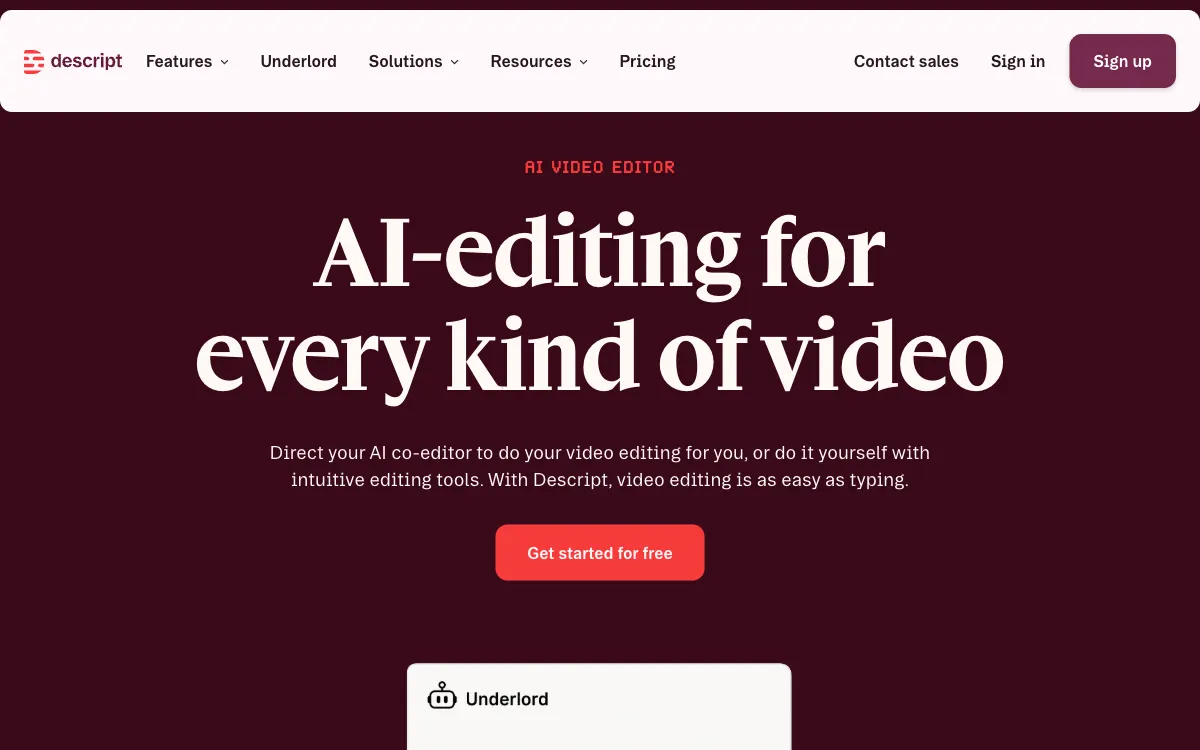
Descript
Descript edits video and audio through text, fitting interviews, explainers and podcasts where a transcript provides a practical editing foundation.
For editing spoken material through its transcript.
Create, edit and repurpose video for marketing campaigns. Compare text editing, recording, synthetic presenters and short-form production.
Our order reflects the workflows described below and public product information. It is an editorial judgment, not a performance benchmark.
Descript edits video and audio through text, fitting interviews, explainers and podcasts where a transcript provides a practical editing foundation.
For editing spoken material through its transcript.
 #2Editorial pick
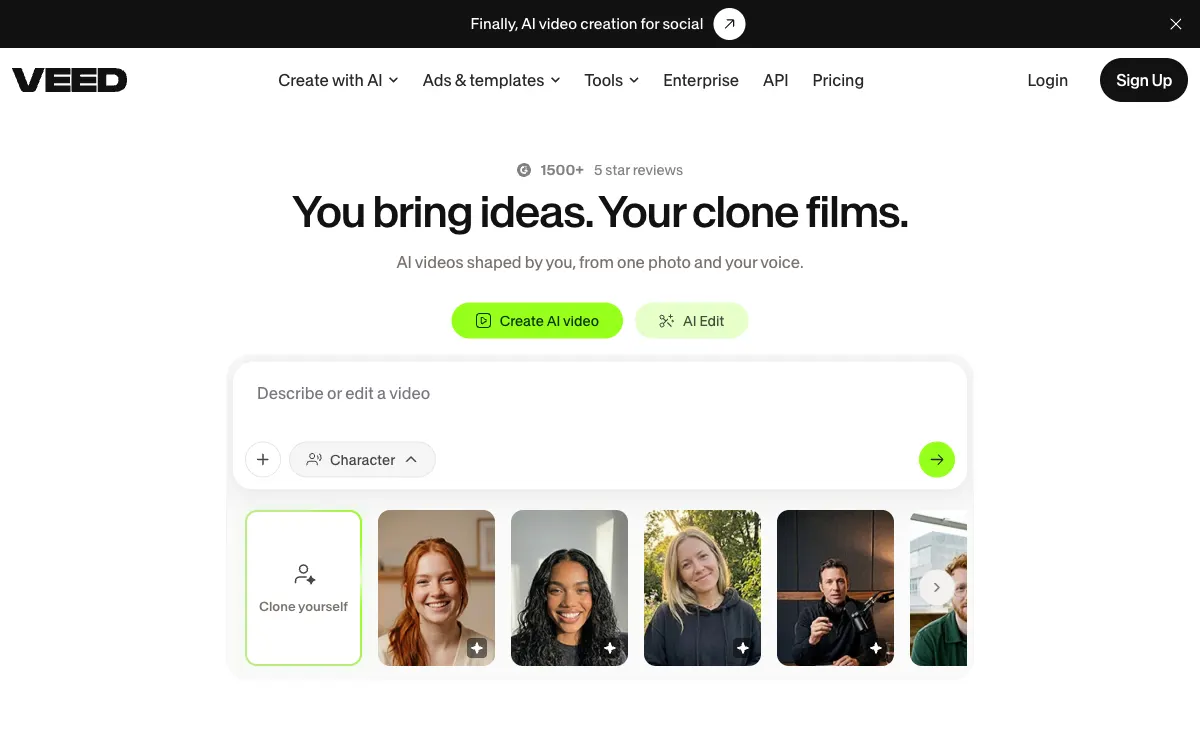
VEED combines video creation and editing in the browser, fitting marketing teams assembling clips, adding subtitles and preparing different versions of the same material.
For browser-based video production and subtitled versions.
 #3Editorial pick
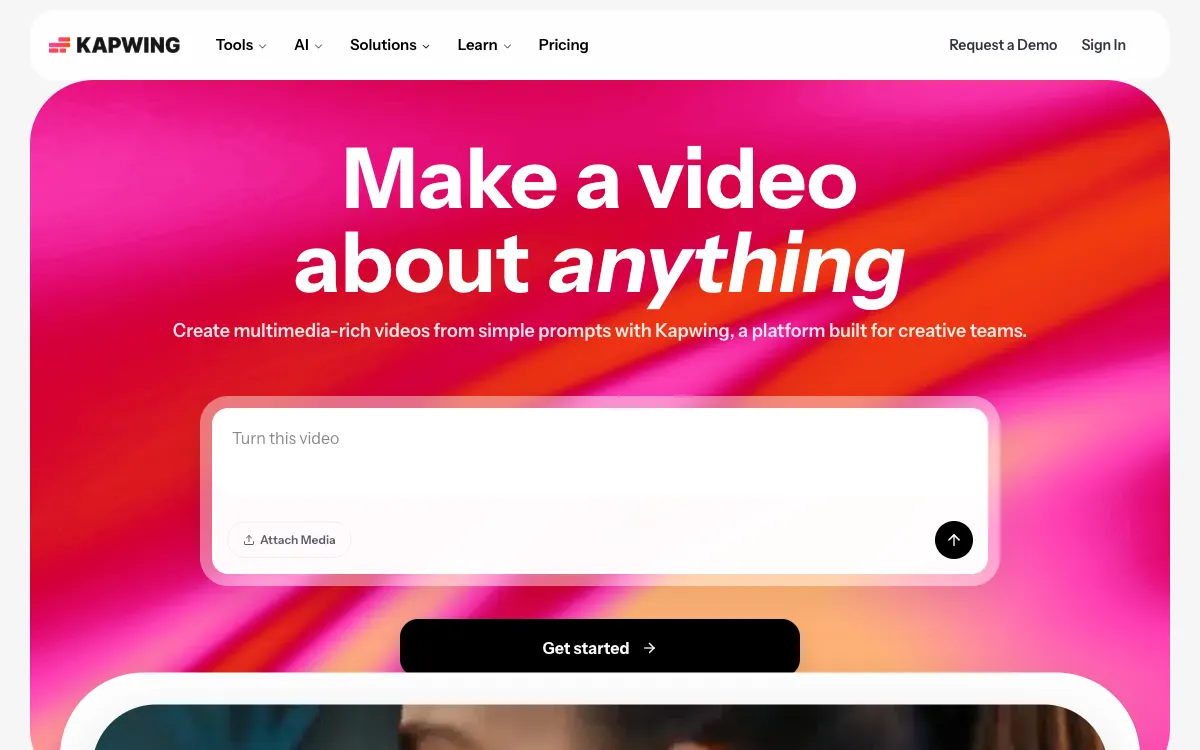
Kapwing helps teams move from an idea to an editable video project, fitting recurring content that needs collaboration and adaptation for several channels.
For collaborative video projects and channel-specific adaptation.
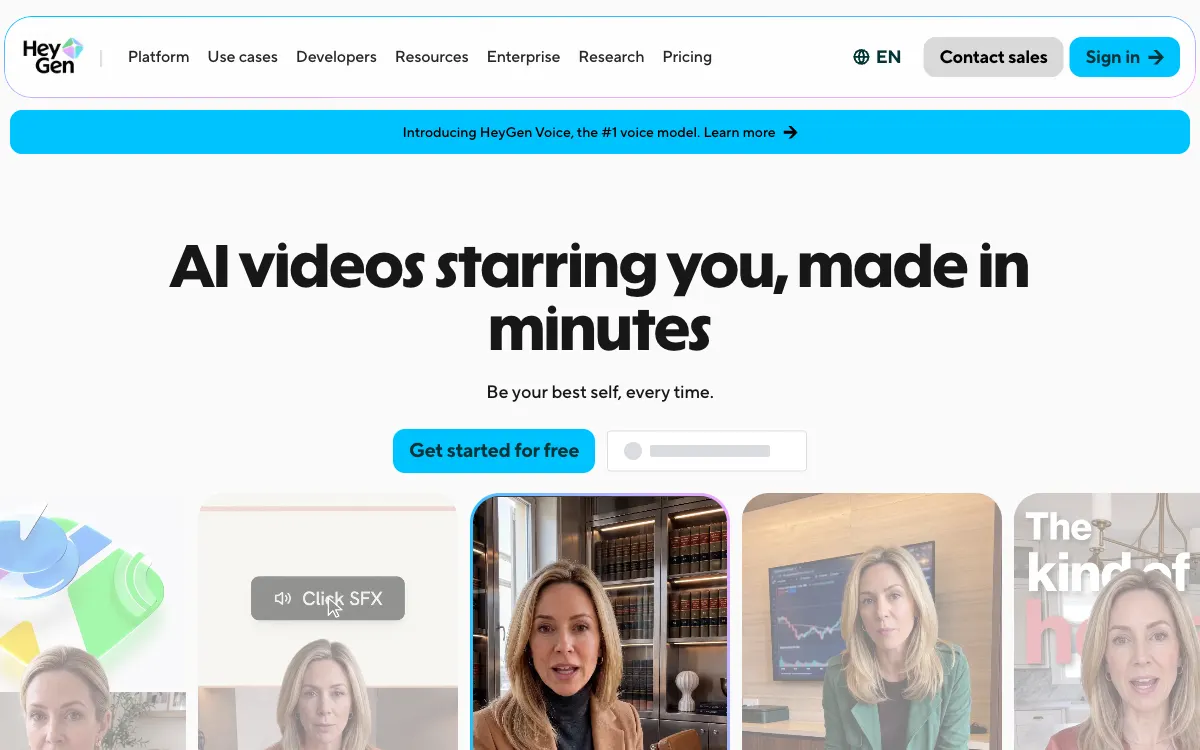
HeyGen builds video around AI avatars and digital presenters, fitting recurring explainers and localized materials where teams want to reduce repeated filming.
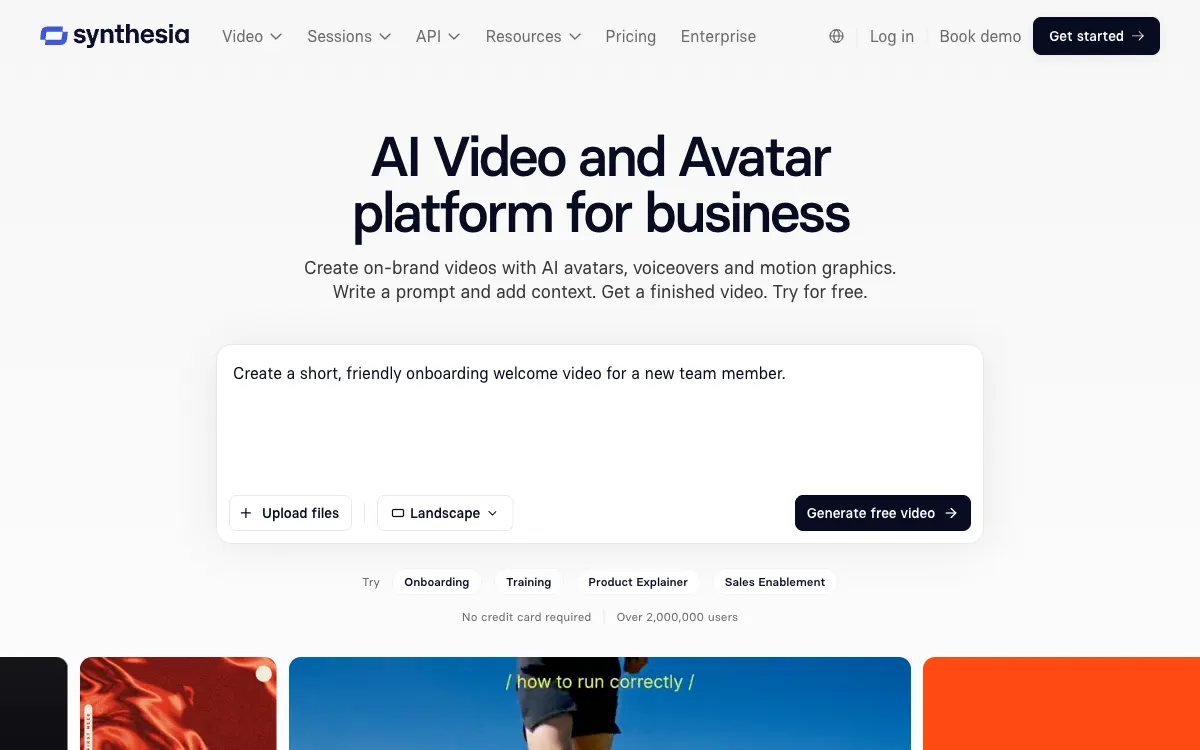
Synthesia focuses on business video with AI presenters, fitting training and communications whose content changes regularly and needs consistency between versions.

Runway offers tools for generative visual production, fitting creative experimentation and asset preparation while retaining editorial review of the output.
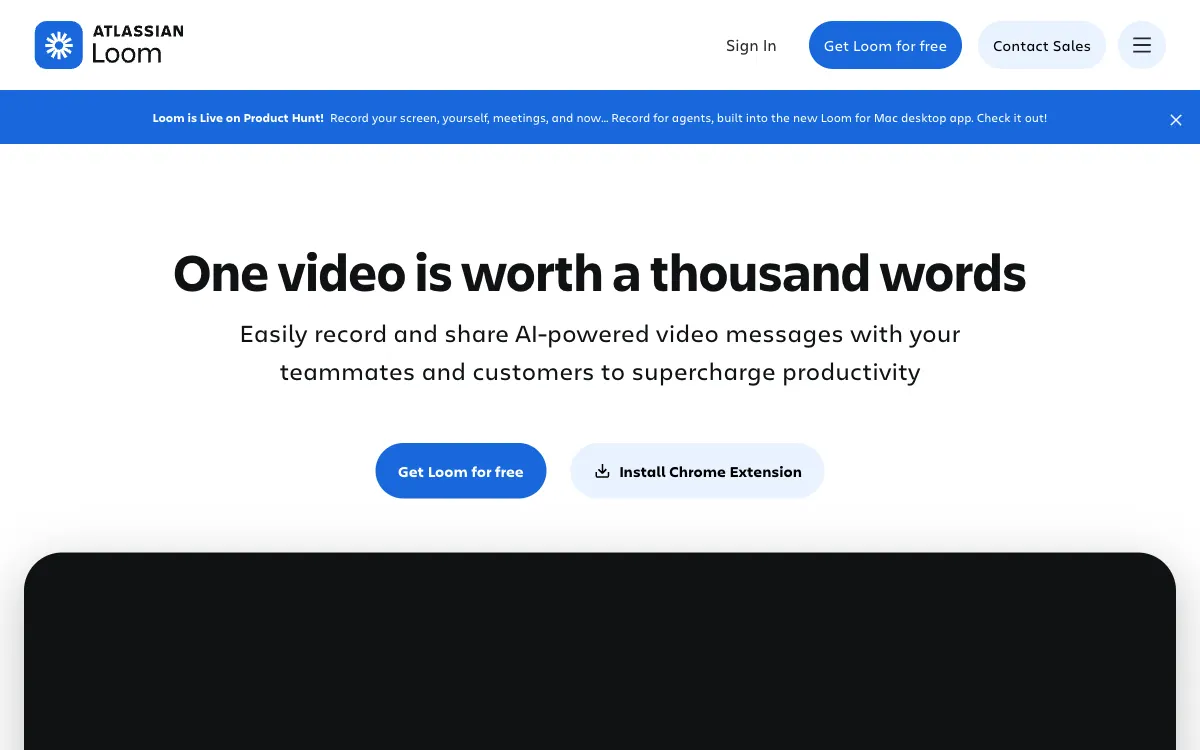
Loom turns a screen recording and explanation into a shareable link, fitting asynchronous product demonstrations, feedback and internal instructions.

Riverside connects conversation recording with editing and repurposing, fitting interviews and podcasts that later become several content formats.
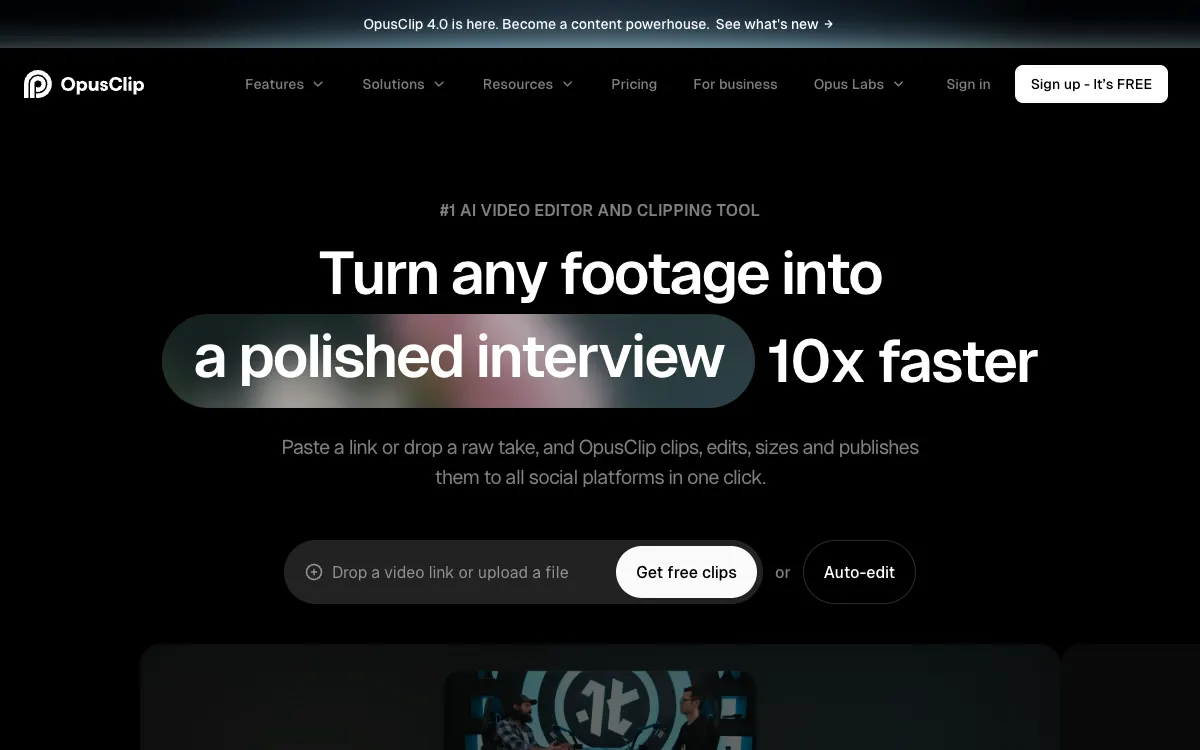
OpusClip turns longer footage into short clips and social versions, fitting teams that want a more systematic way to reuse existing video.
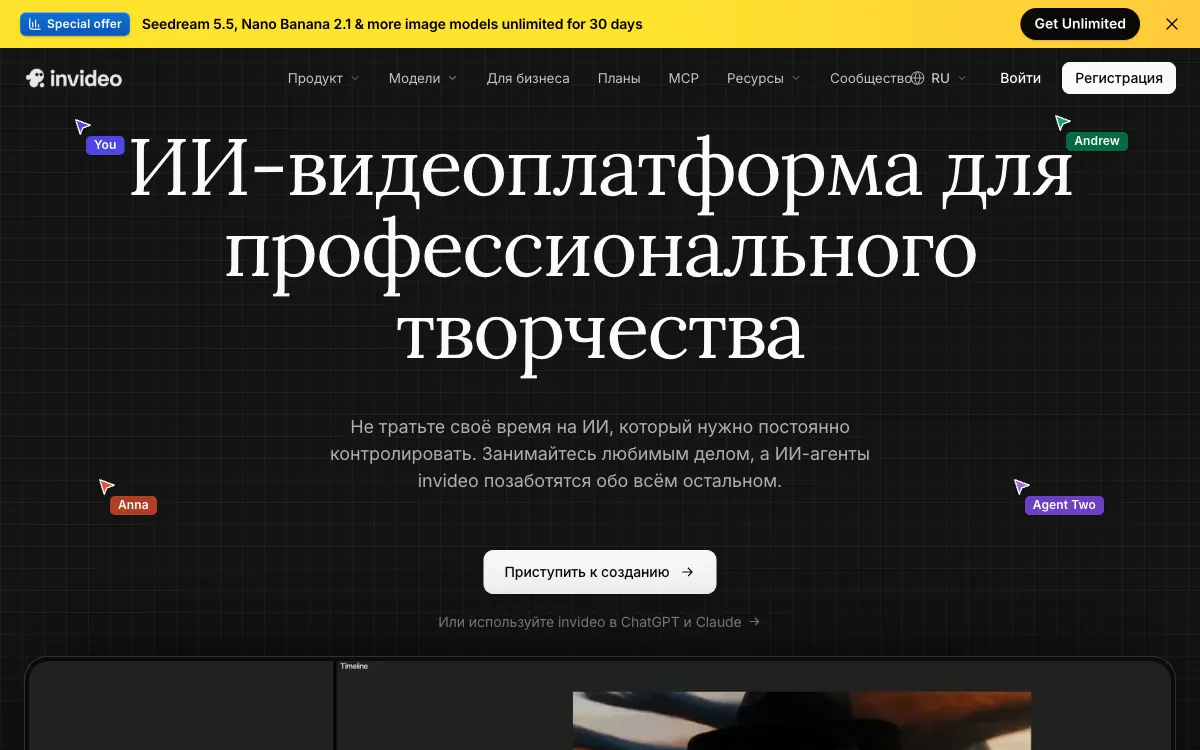
InVideo connects scripting, generation and video editing, fitting marketing drafts that a team subsequently reviews and refines for publication.
Common ownership disclosed. Featured placement is commercial, not an independent score. Methodology
Create, edit and repurpose video for marketing campaigns. Compare text editing, recording, synthetic presenters and short-form production.
A recording tool, a timeline editor and a synthetic-presenter platform solve different jobs. Choose around the footage you have and the deliverable you need.
Inspect captions, language, brand elements, output dimensions and compression in an actual exported file. An editor preview is not the final deliverable.
Confirm commercial rights for stock, voices, avatars and uploaded material. Include review time, corrections and recurring production volume in the comparison.
Start with official sources, confirm the terms and run your own bounded test.


