








Web analytics

Website analytics tools: events, acquisition sources, session recordings and reports for investigating user behavior.

Explore the directory

All categories20 →
10 results
Editorial top 3

Our order reflects the workflows described below and public product information. It is an editorial judgment, not a performance benchmark.

Microsoft Clarity — Official website#2Editorial pick

Clarity shows on-page behavior through session recordings and heatmaps, complementing numerical reports when a team needs to understand where visitors encounter friction.

A complementary choice for understanding on-page behavior through recordings and heatmaps.

Web analyticsHosted analytics
Matomo — Official website#3Editorial pick

Matomo is relevant when analytics needs to coexist with control over data and hosting, connecting visit reporting with the team's broader behavior-research requirements.

A fit for teams prioritizing hosting choice and control of analytics data.

Web analyticsCloud · Self-hosted

More products to explore

Plausible — Official website

Plausible reduces web analytics to an understandable view of sources and actions, fitting content sites and smaller projects seeking a straightforward recurring audience overview.

Fathom Analytics — Official website

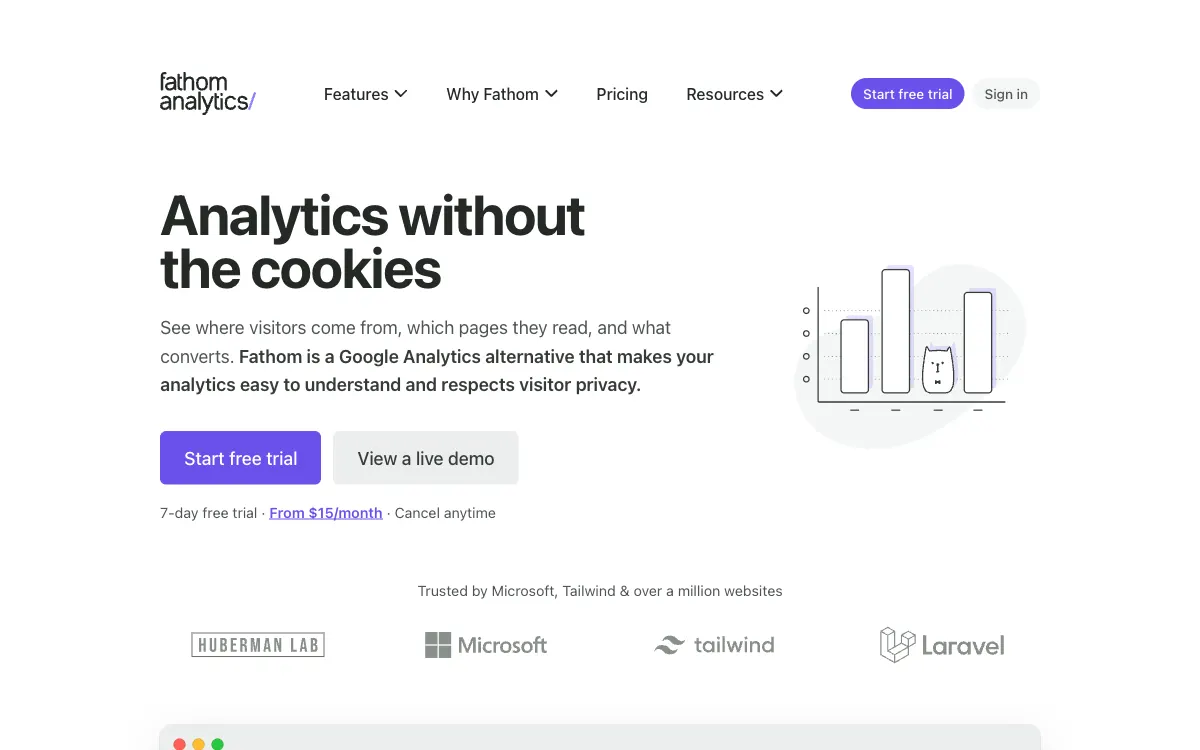
Fathom emphasizes compact website analytics without analytics cookies, fitting routine monitoring of visits and goals without the complexity of a product-analytics interface.

PostHog — Official website

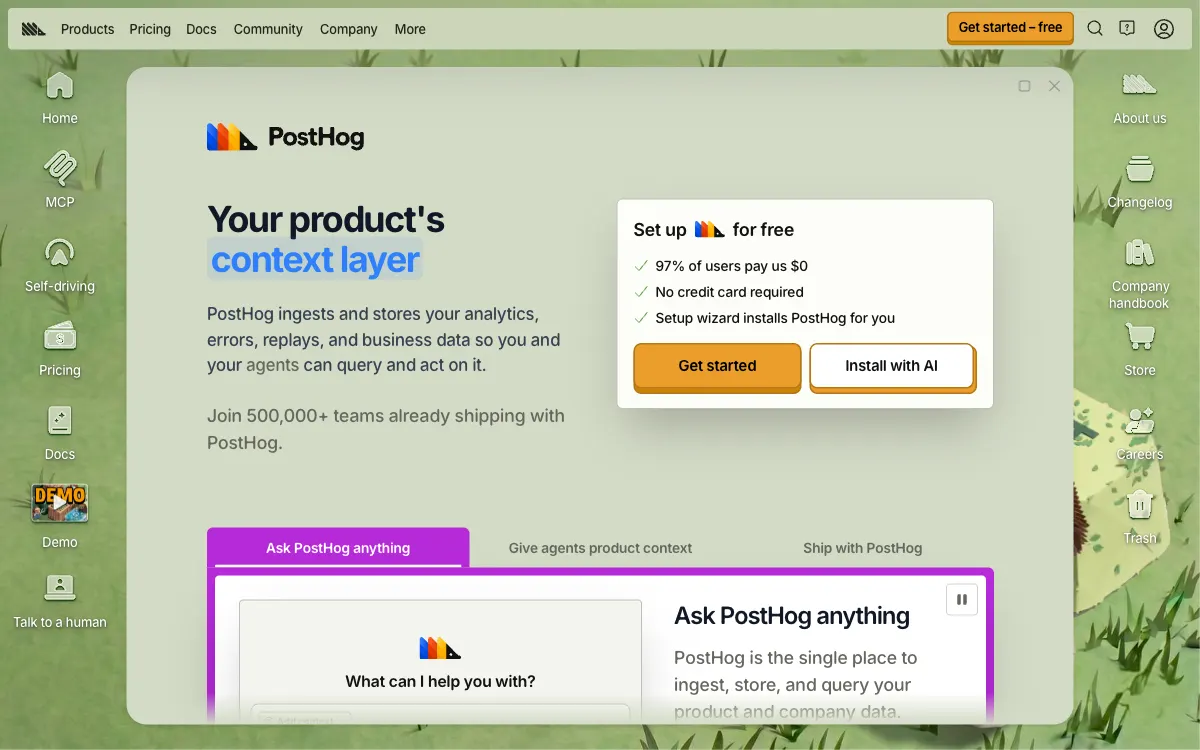
PostHog connects product data with development workflows, fitting teams that want behavioral analytics to inform the next product change as well as recurring reports.

Mixpanel — Official website

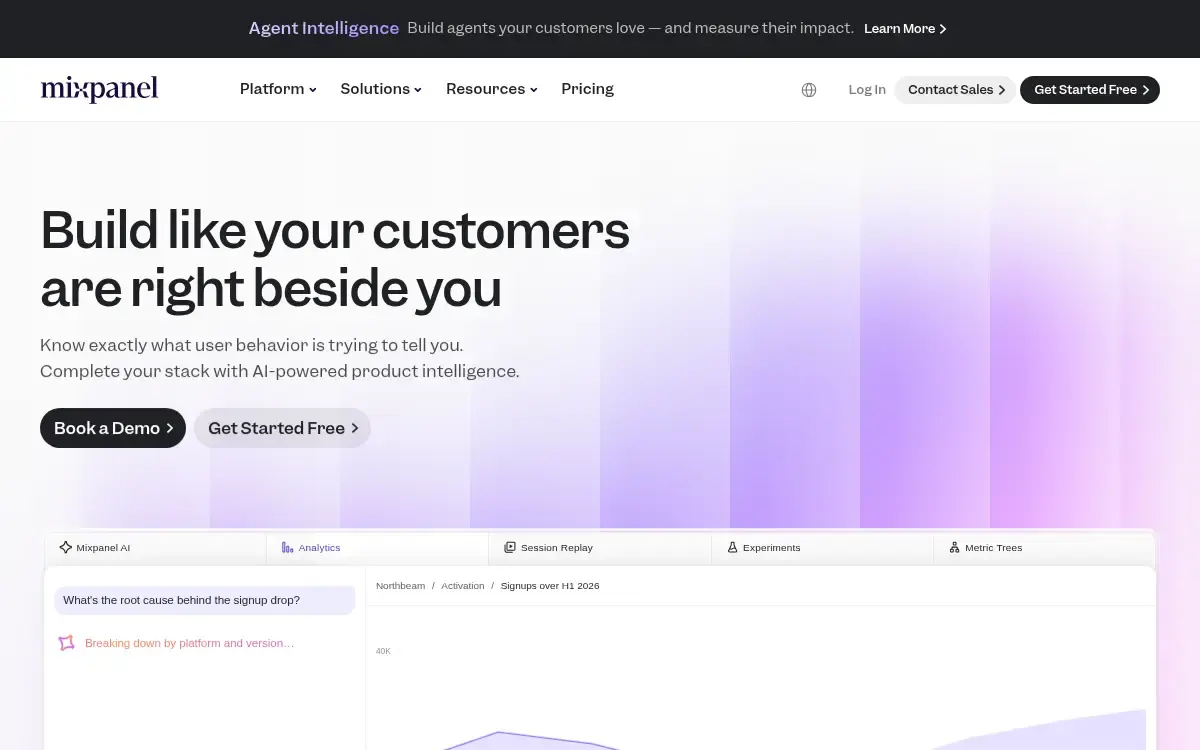
Mixpanel examines product usage through events, funnels and segments, fitting questions about which actions lead to activation and repeat use.

Amplitude — Official website

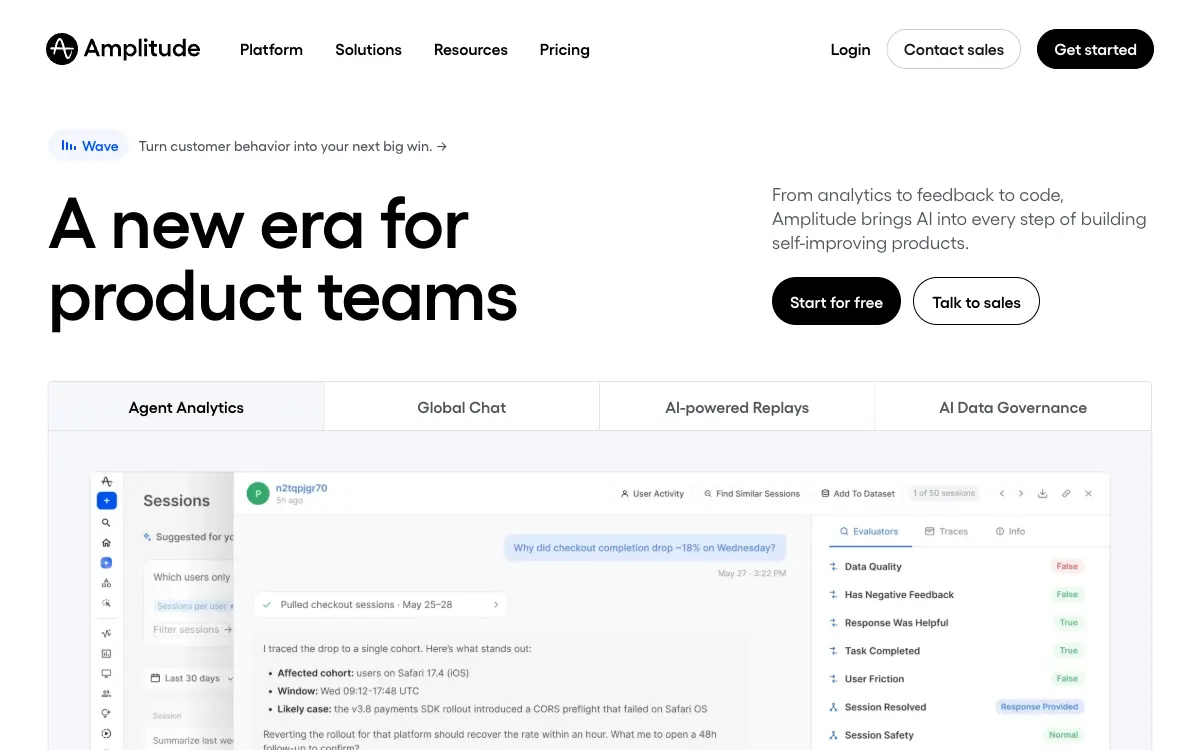
Amplitude connects behavioral signals with product decisions, fitting teams investigating the user journey and applying those findings in the next development cycle.

Heap — Official website

Heap explores digital journeys with automatic interaction capture, making it relevant for questions a team did not anticipate when initially configuring its analytics.

Simple Analytics — Official website

Simple Analytics offers a compact view of visits and sources without analytics cookies, fitting straightforward reporting and comparison of observed traffic with other systems.

Common ownership disclosed. Featured placement is commercial, not an independent score. Methodology

What to check before you start

Analytics products answer different questions. Event reports help describe acquisition and actions; recordings and heatmaps help investigate interaction; deployment choices affect where the data is processed. These services are listed for evaluation and are not automatically installed on AffRankings or connected to its visitors.

01

Measurement plan

Define the events and outcomes before adding a tracking script. Distinguish outbound clicks, registrations and confirmed revenue, and exclude internal tests from customer reporting.

02

Data collection

Review collection settings, masking, retention and access roles for the actual site. Hosting an analytics product yourself changes responsibilities; it does not automatically resolve every data-handling question.

03

Interpretation

Use session evidence to generate a hypothesis, then verify changes with an appropriate comparison. Report differences can follow from attribution windows, event definitions or collection gaps.

↗

Compare with context

Start with official sources, confirm the terms and run your own bounded test.

Methodology→