





Webinars & events

Build a webinar journey from registration to follow-up. Compare live, recorded and automated events around your audience and campaign.

Explore the directory

All categories20 →
10 results
Editorial top 3

Our order reflects the workflows described below and public product information. It is an editorial judgment, not a performance benchmark.

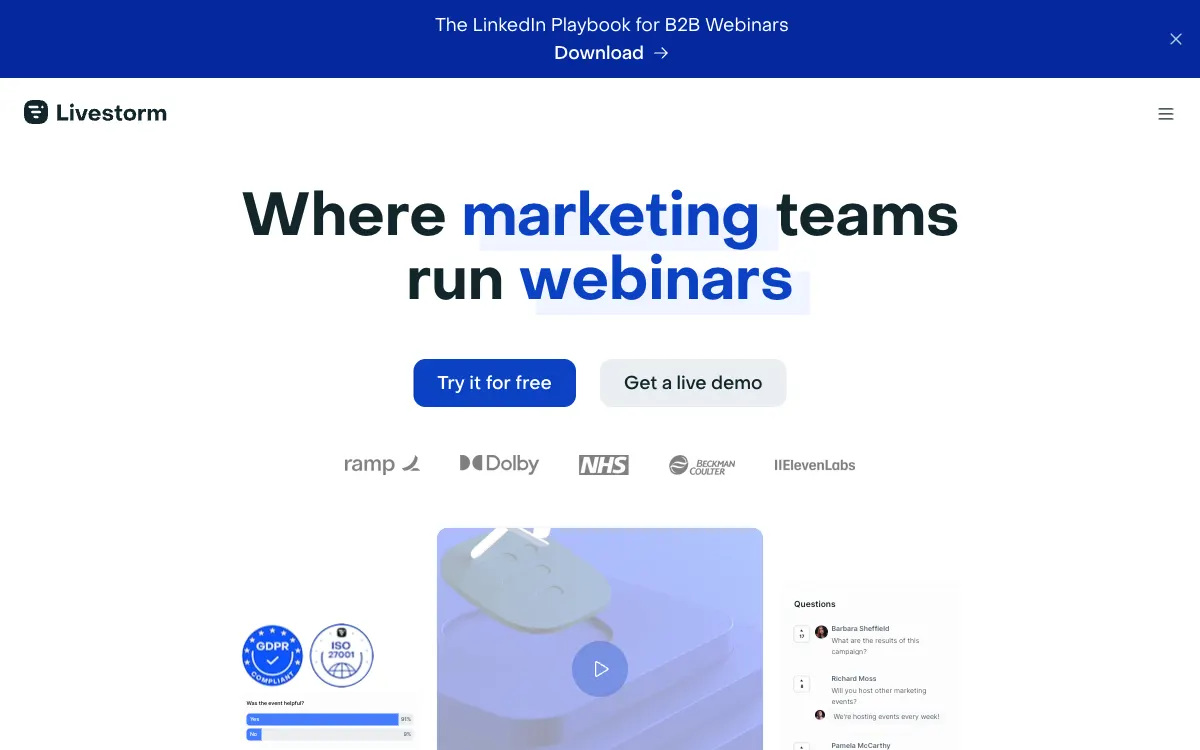
Livestorm — Official website#2Editorial pick

Livestorm focuses on marketing-team webinars, connecting registration, engagement and CRM data so an event becomes part of a campaign rather than an isolated broadcast.

For marketing webinars connected with CRM follow-up.

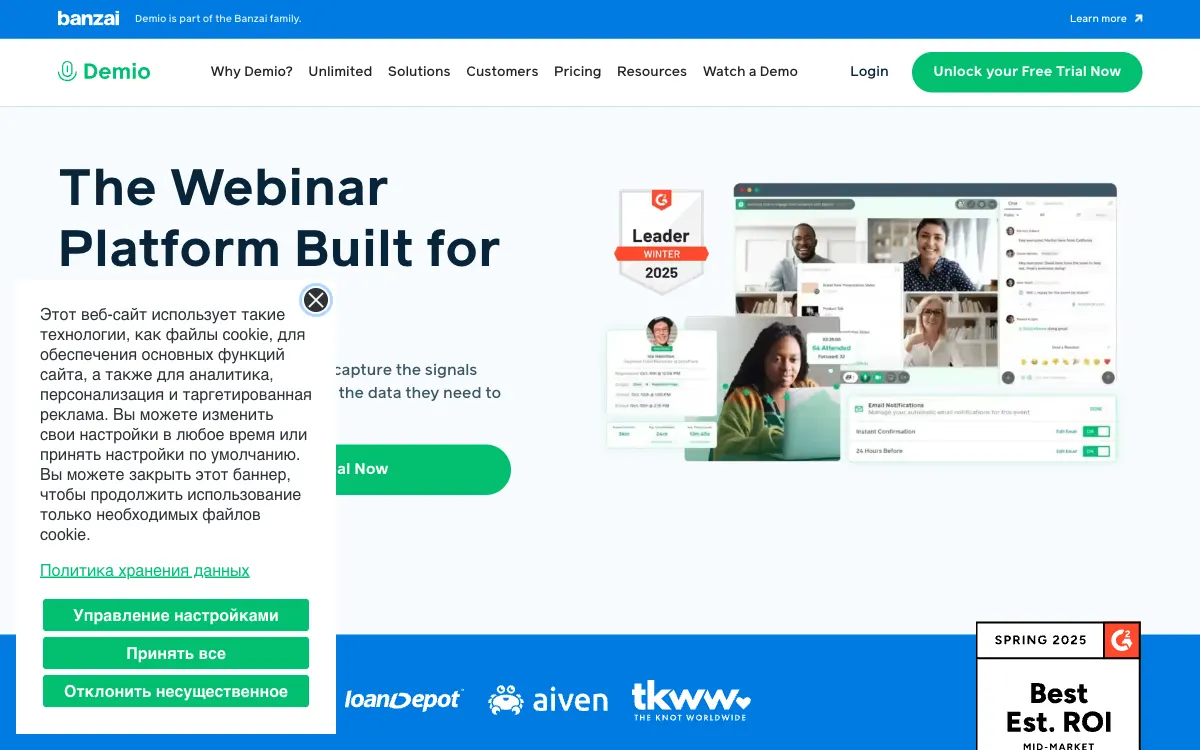
Demio — Official website#3Editorial pick

Demio organizes webinars around a marketing workflow and browser-based attendance, fitting teams connecting events with engagement and subsequent follow-up.

For browser-based attendance and marketing-led event workflows.

More products to explore

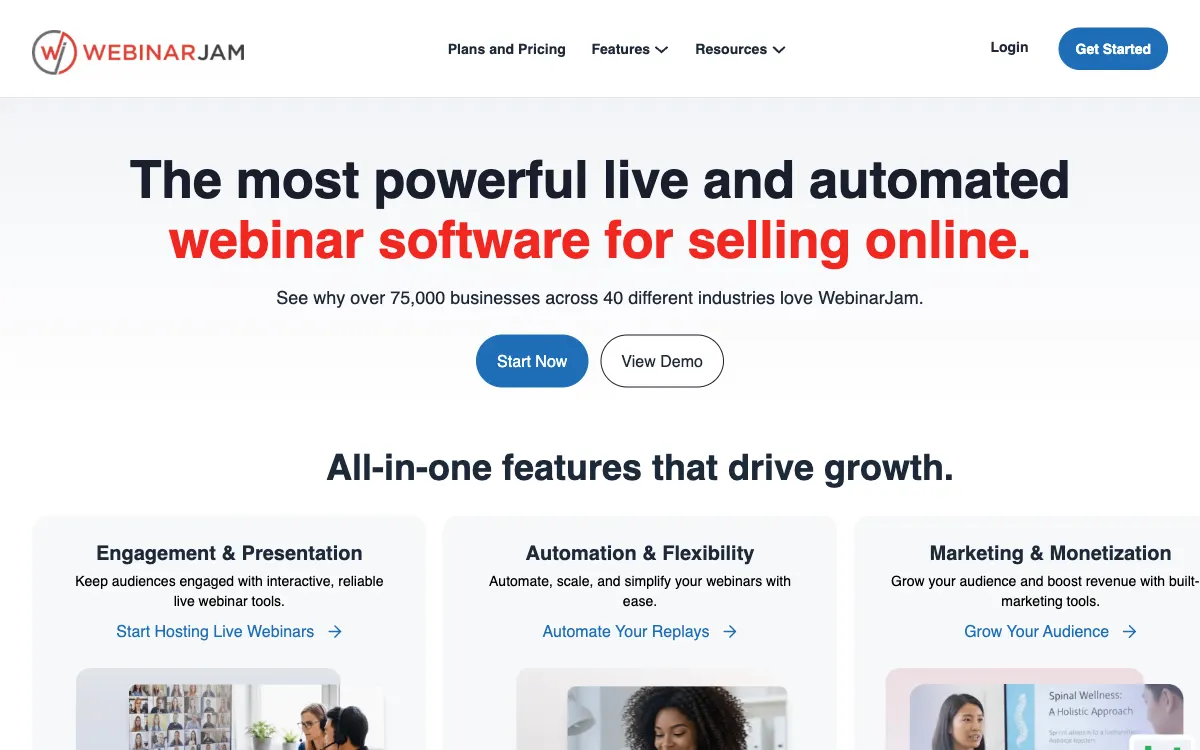
WebinarJam — Official website

WebinarJam connects webinar delivery with presentation and marketing tools, fitting events where content, interaction and the next offer need to work together.

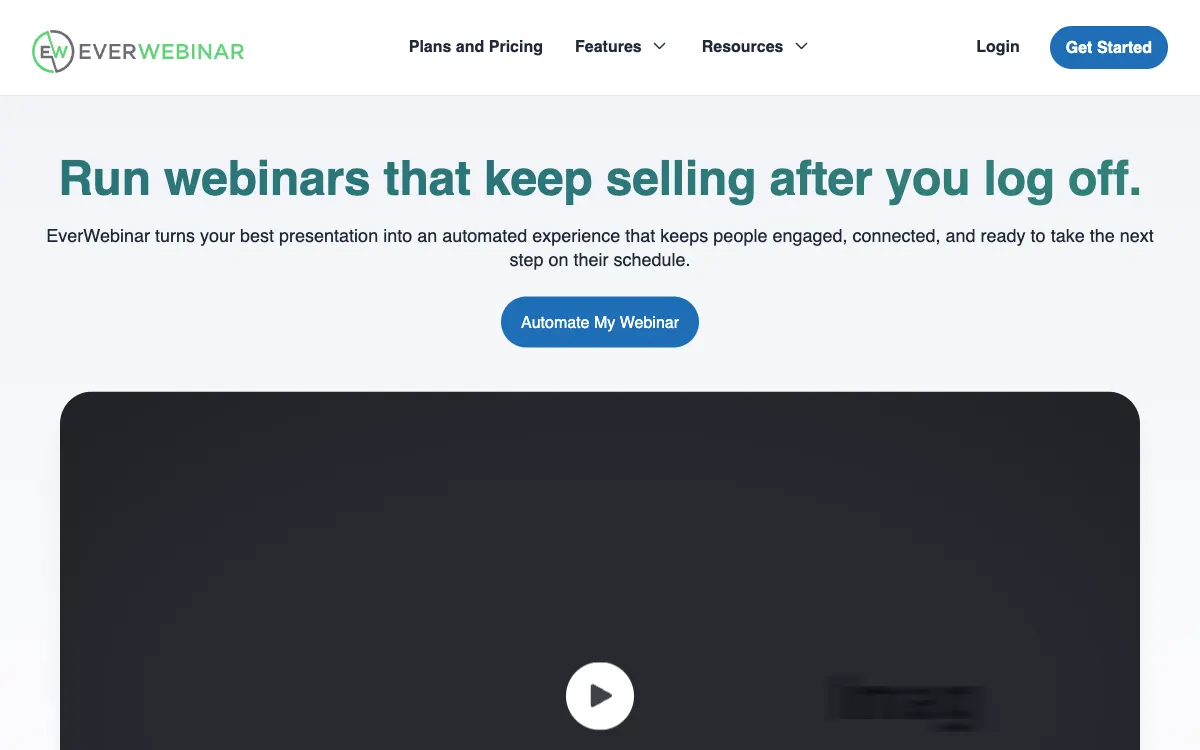
EverWebinar — Official website

EverWebinar turns a recorded presentation into a repeatable webinar event, fitting evergreen content when attendees understand they are viewing prepared material.

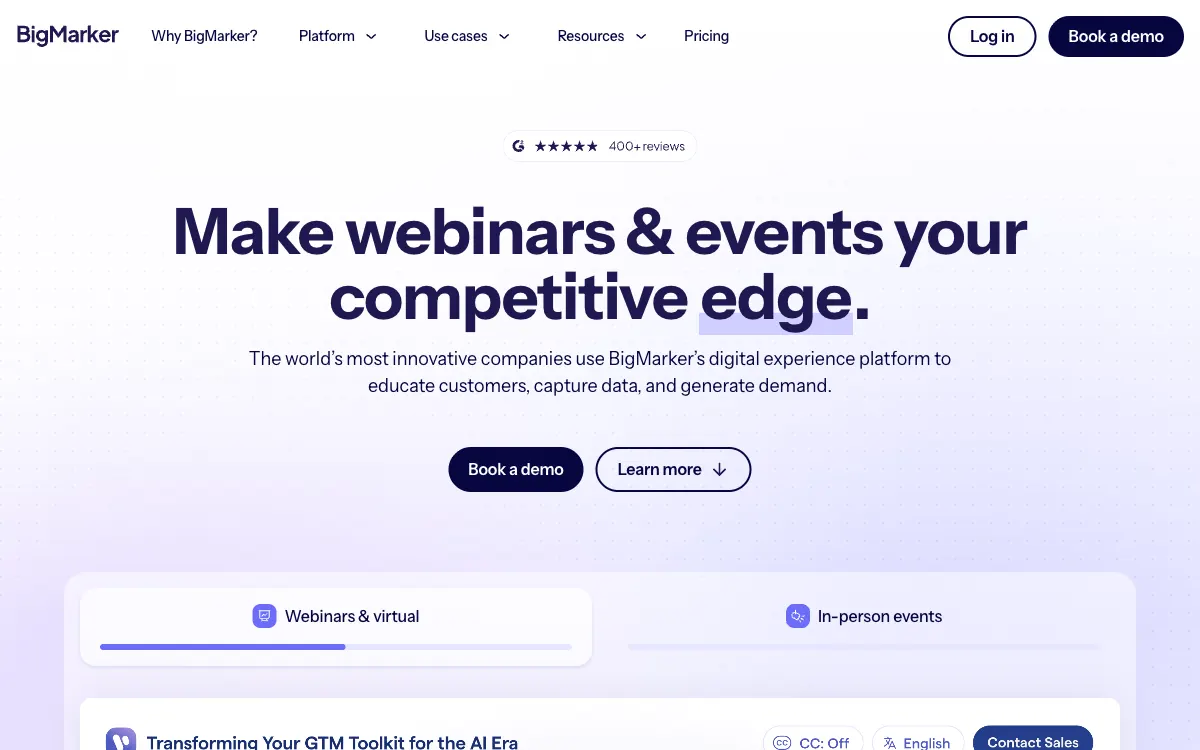
BigMarker — Official website

BigMarker combines webinars, digital events and on-demand content, fitting programs that maintain a consistent audience journey across several formats.

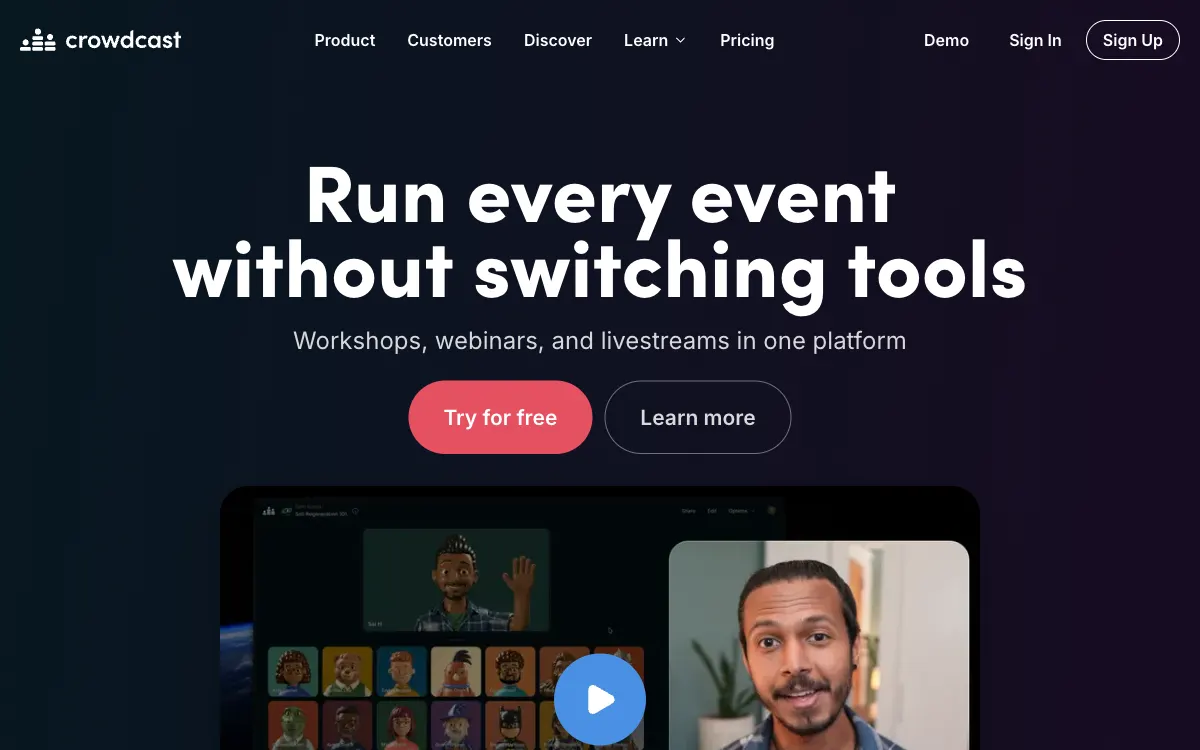
Crowdcast — Official website

Crowdcast brings communities together around online events, fitting creators and organizers focused on audience participation in meetings, teaching or live shows.

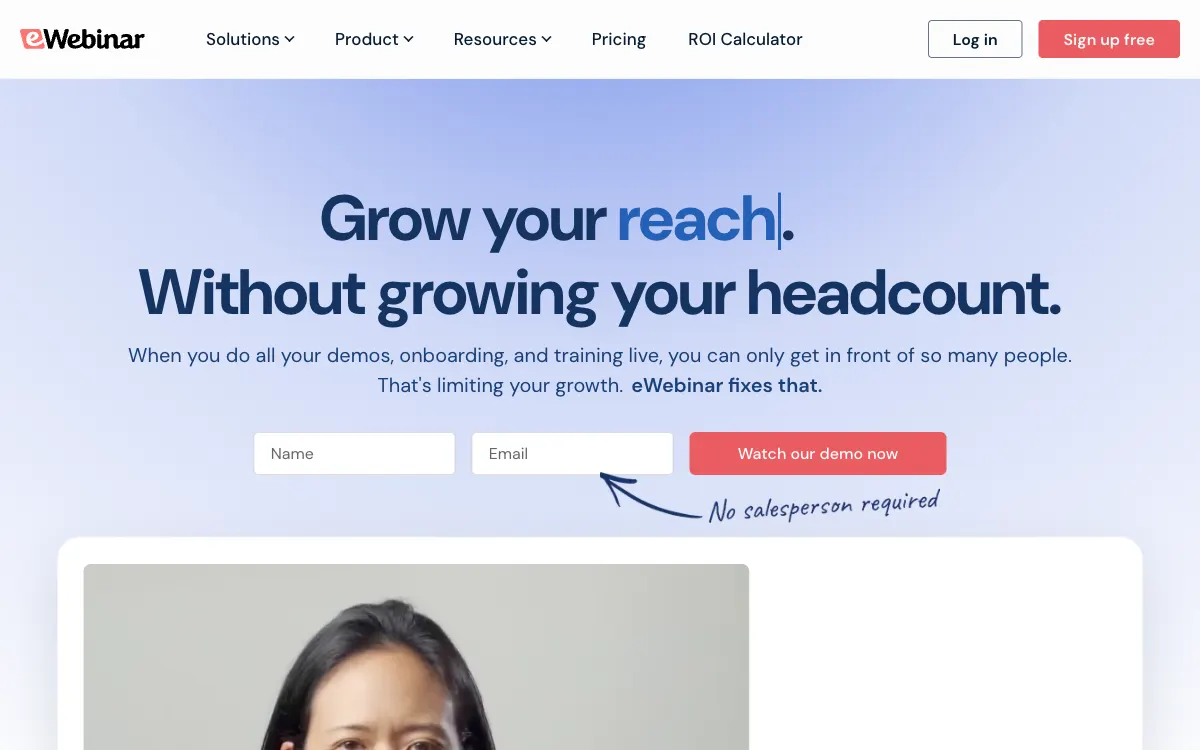
eWebinar — Official website

eWebinar connects prerecorded video with interactive on-demand viewing, fitting demonstrations and training that audiences need to attend on their own schedule.

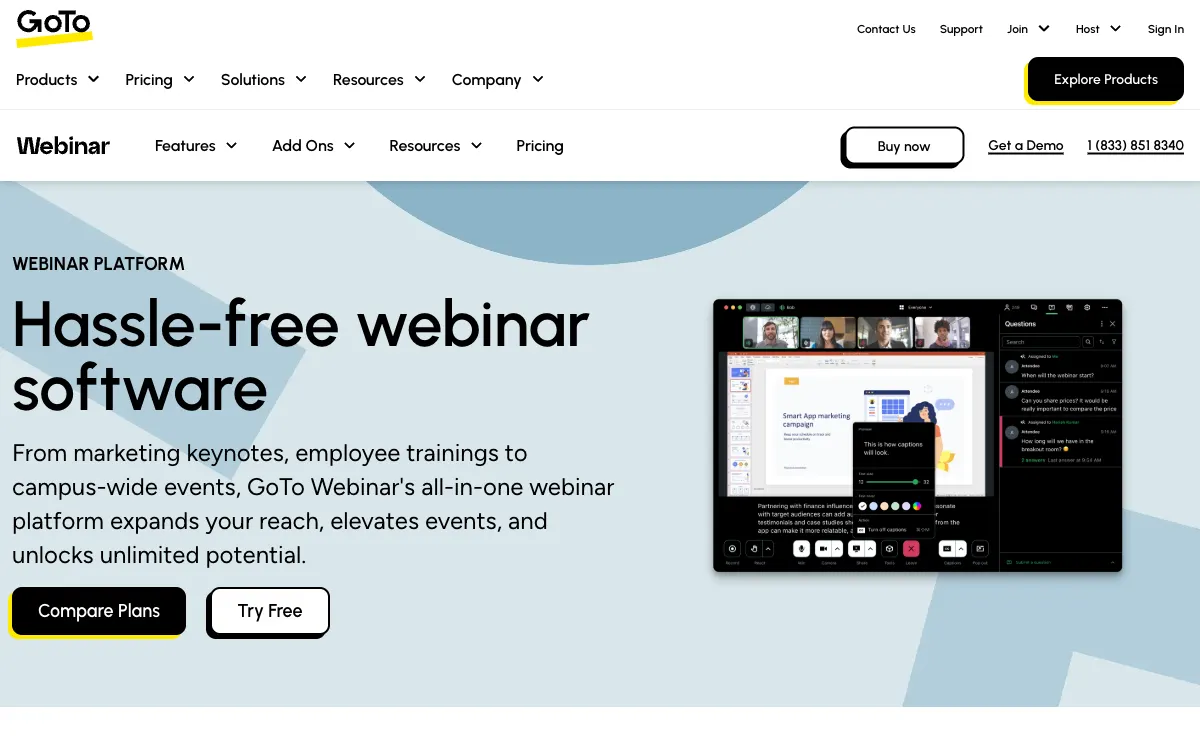
GoTo Webinar — Official website

GoTo Webinar focuses on professional webinars and virtual conferences, fitting organizations seeking a repeatable preparation and attendance workflow for recurring events.

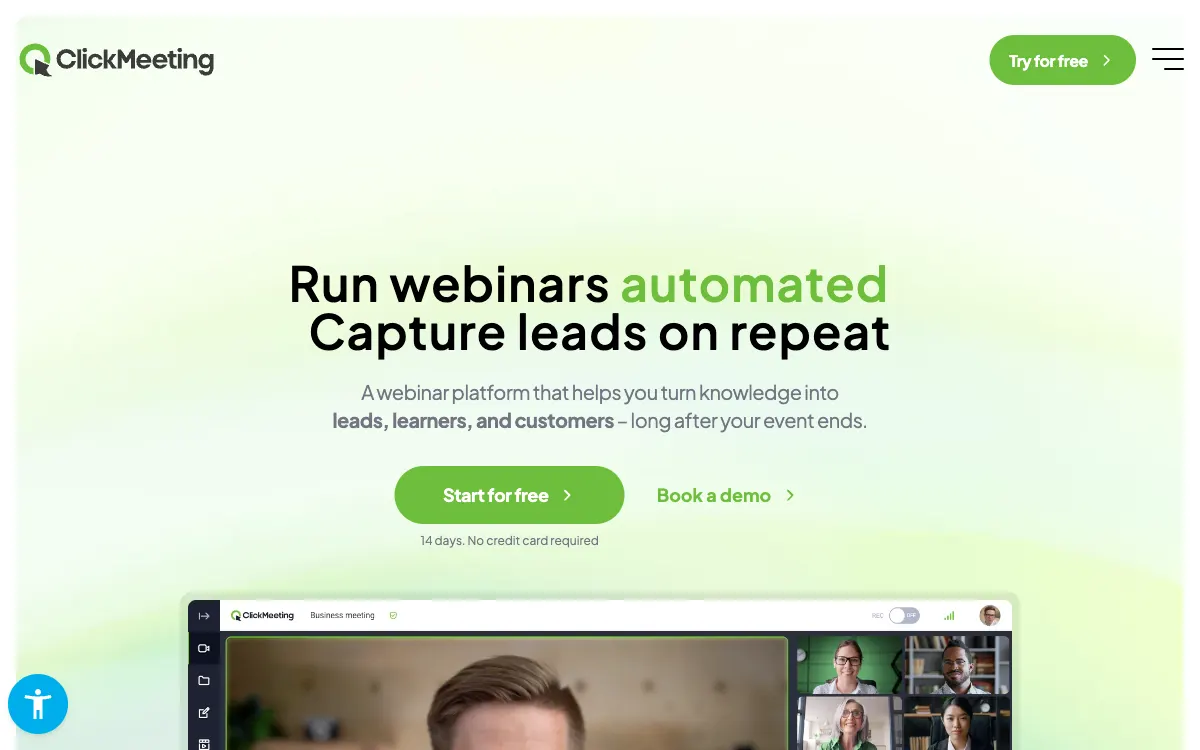
ClickMeeting — Official website

ClickMeeting covers live, automated and on-demand webinars, fitting training and lead generation where the audience journey continues after the broadcast ends.

Common ownership disclosed. Featured placement is commercial, not an independent score. Methodology

What to check before you start

Build a webinar journey from registration to follow-up. Compare live, recorded and automated events around your audience and campaign.

01

Choose the event model

Separate a live webinar, a replay and an automated recurring event. Make the format clear to attendees and choose software around the intended interaction.

02

Registration to follow-up

Test confirmation, reminders, joining from mobile and post-event delivery. Validate campaign fields and attendance events before sending registrations into your CRM.

03

Rehearse the actual setup

Use the intended presenters, browser, microphone and screen-sharing setup. Compare recording access, participant limits and team permissions for your event.

↗

Compare with context

Start with official sources, confirm the terms and run your own bounded test.

Methodology→