









#1 · Editorial pick
Typeform
Typeform organizes data collection around a guided interaction, fitting lead qualification where question logic and the workflow after submission both matter.
For guided questioning and visitor-interest qualification.
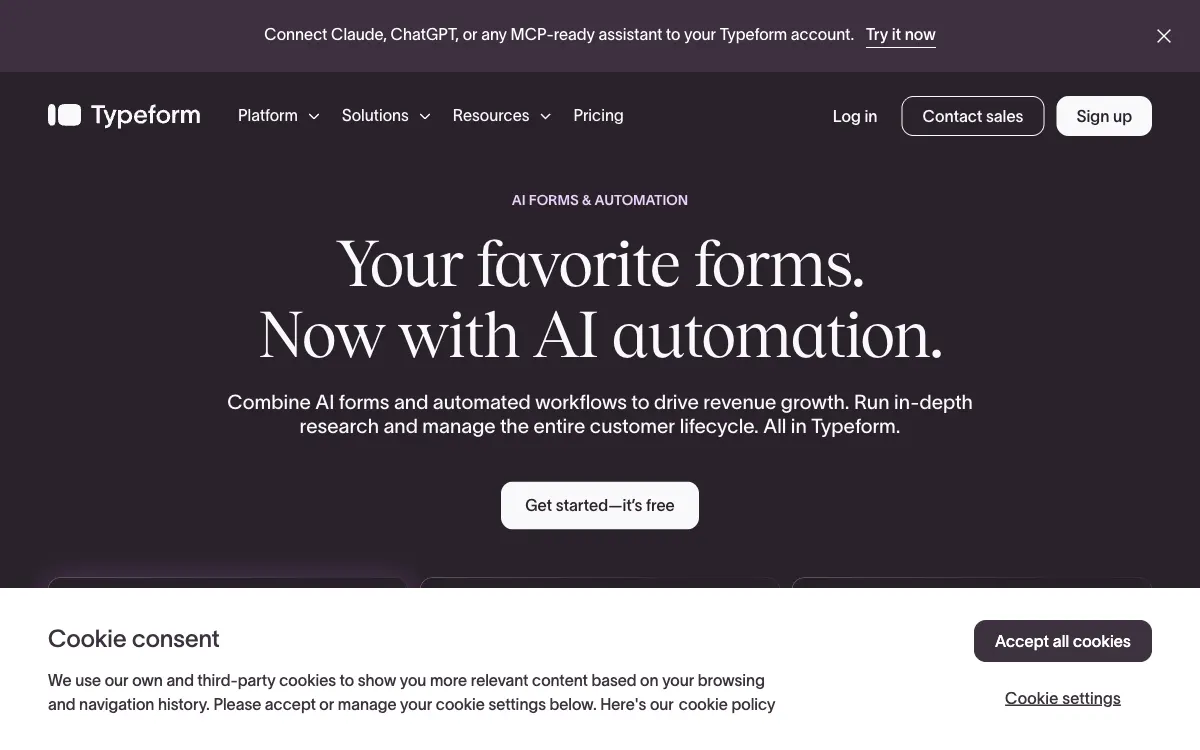
Turn visitor interest into structured information with forms, surveys and lead-capture flows. Compare logic, integrations and publishing options.
Our order reflects the workflows described below and public product information. It is an editorial judgment, not a performance benchmark.
Typeform organizes data collection around a guided interaction, fitting lead qualification where question logic and the workflow after submission both matter.
For guided questioning and visitor-interest qualification.
 #2Editorial pick
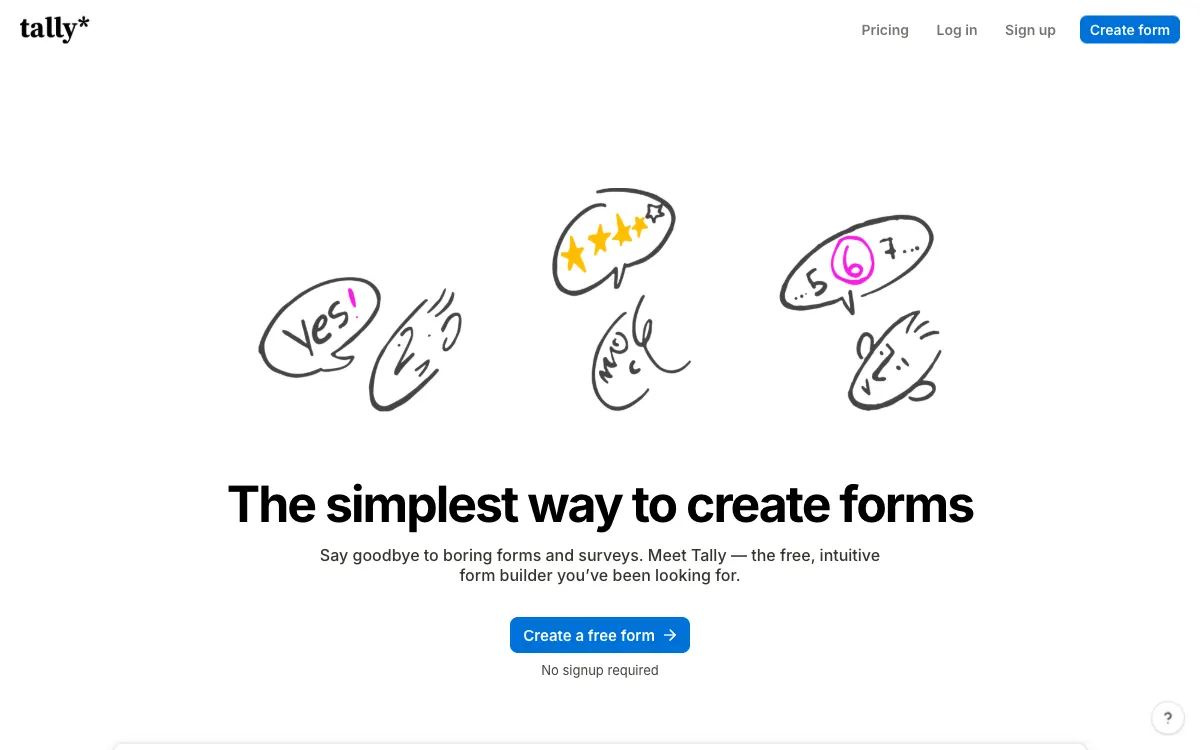
Tally builds forms with a document-like editing experience, fitting quick surveys and lead capture where simplicity matters more than adopting a complex platform.
For quickly launching forms through document-style editing.
 #3Editorial pick
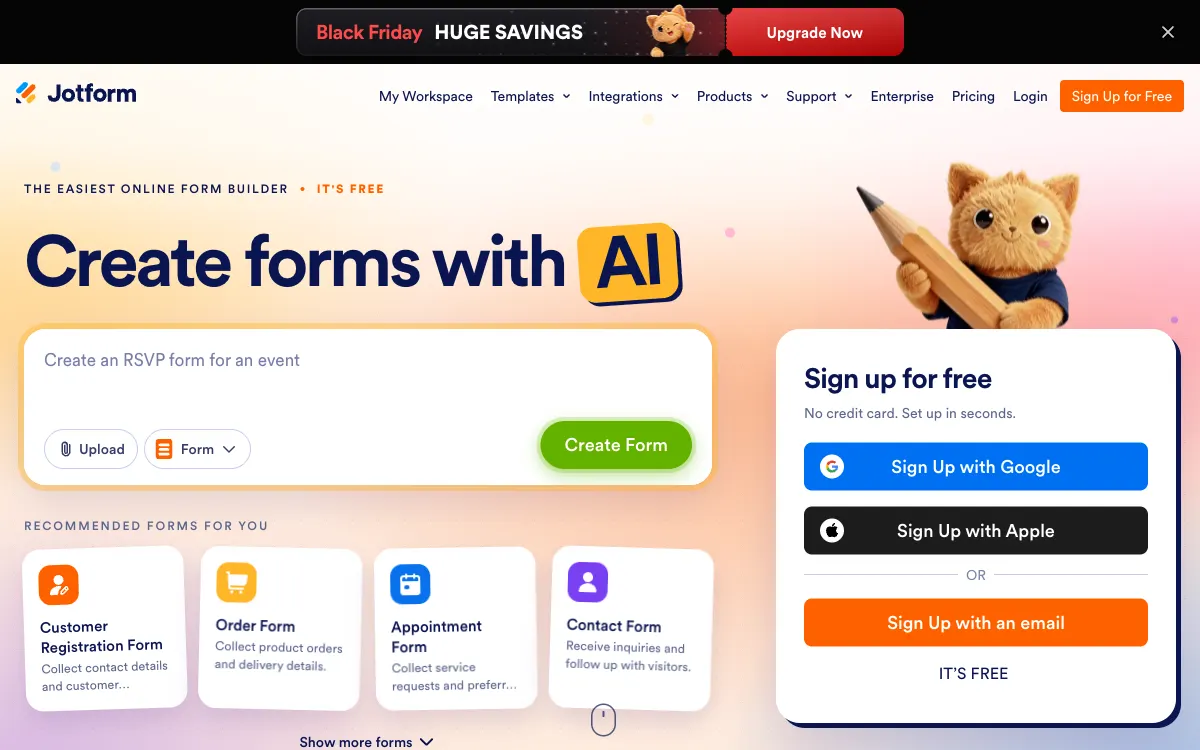
Jotform covers applications, registrations, orders and payment collection through forms, fitting businesses bringing different incoming requests into a more consistent process.
For varied business applications, registrations and orders.
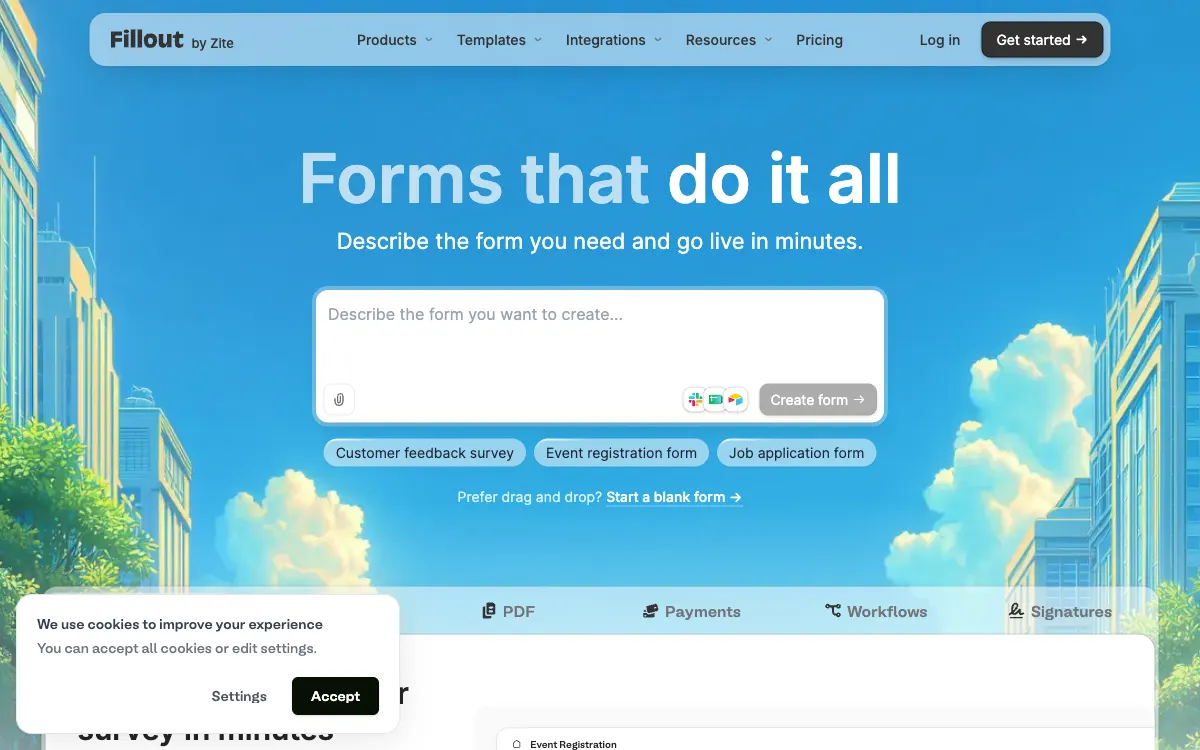
Fillout builds forms, surveys and quizzes with response delivery into connected systems, fitting teams that need data collection to continue directly into a workflow.
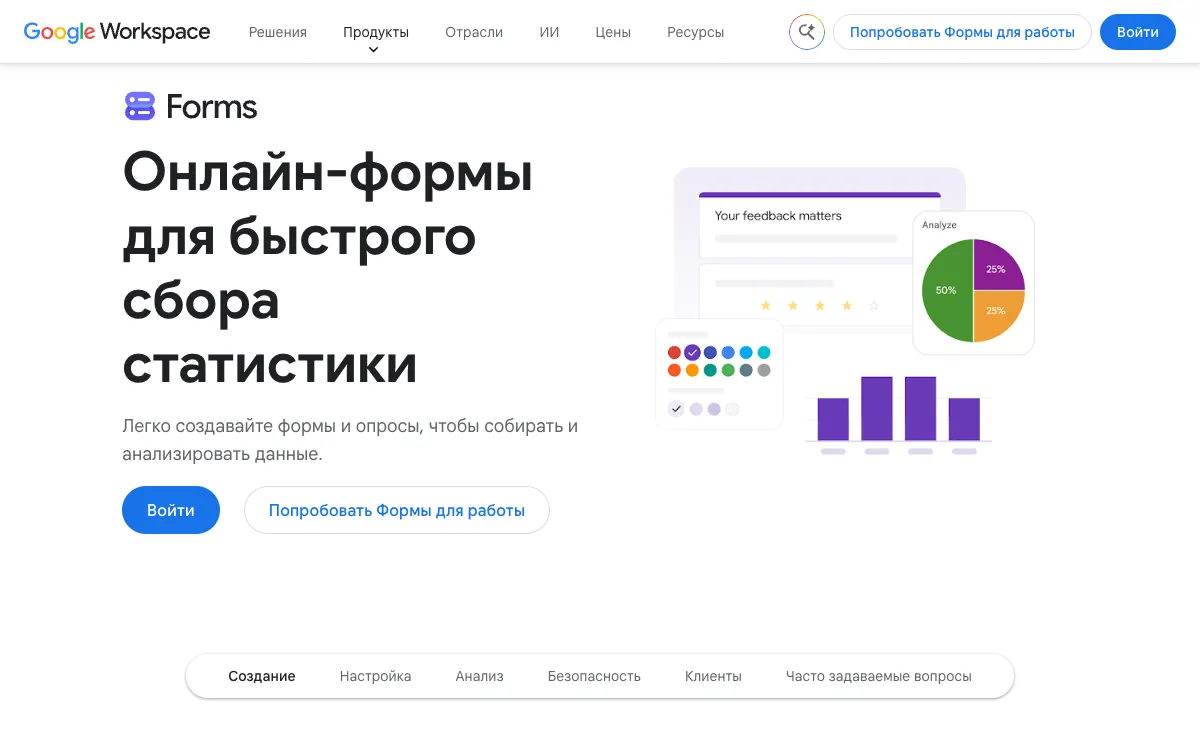
Google Forms collects structured responses within a familiar ecosystem, fitting surveys, registrations and internal processes that do not need a separate complex tool.
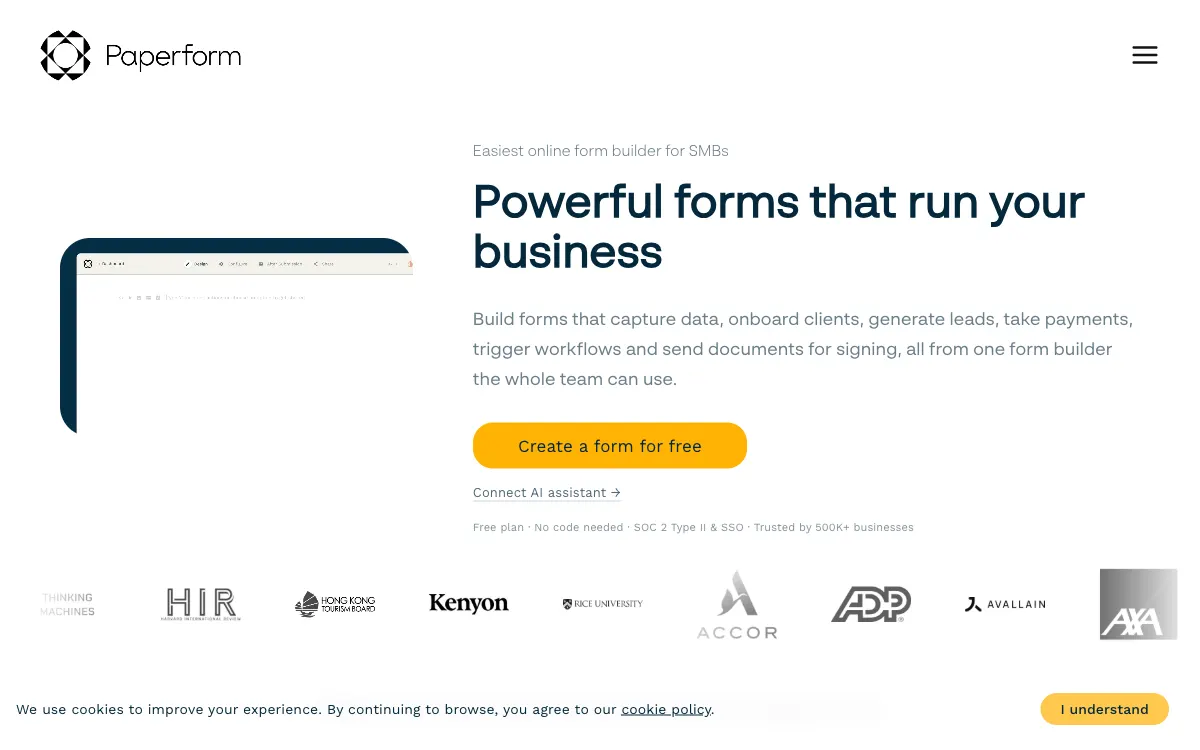
Paperform combines forms with document-style editing, fitting customer workflows where the offer, questions and next action need to share one coherent page.
Formstack connects data collection with documents and electronic signatures, fitting operational workflows that continue beyond a form and involve several participants.
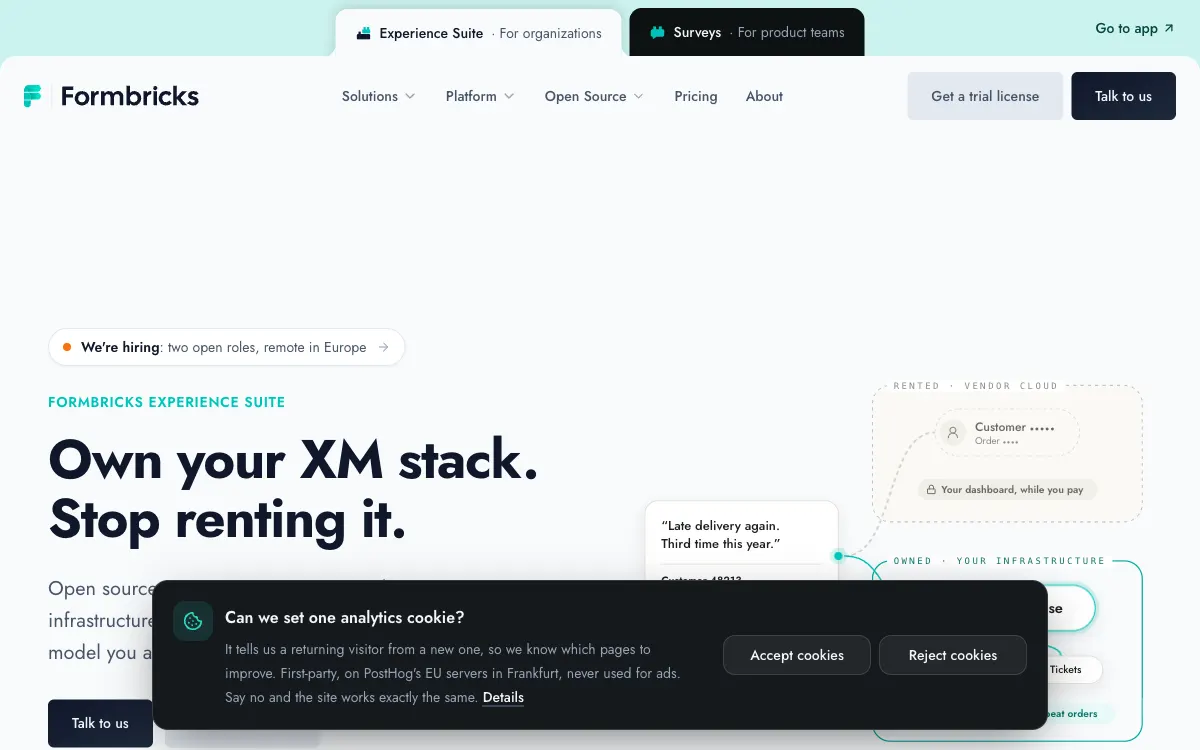
Formbricks focuses on experience feedback and data control, fitting technical teams that want customer research integrated into their own environment.
SurveyMonkey turns audience questions into structured research, fitting feedback programs and surveys where questionnaire design and response analysis both matter.
Zoho Forms connects forms with business workflows and collaboration, fitting teams already using Zoho tools and seeking consistent submission handling.
Common ownership disclosed. Featured placement is commercial, not an independent score. Methodology
Turn visitor interest into structured information with forms, surveys and lead-capture flows. Compare logic, integrations and publishing options.
A lead form needs an intentional completion path: validation, confirmation and delivery to the person who follows up. Test the mobile experience before sharing the URL.
Try branching, hidden campaign fields and a duplicate submission. Confirm whether integrations send complete records and what happens when a destination is unavailable.
Choose who can view responses, export files and delete records. Compare your data-handling needs with the account settings and plan scope.
Start with official sources, confirm the terms and run your own bounded test.


